01Scanner & search
Point and see it all
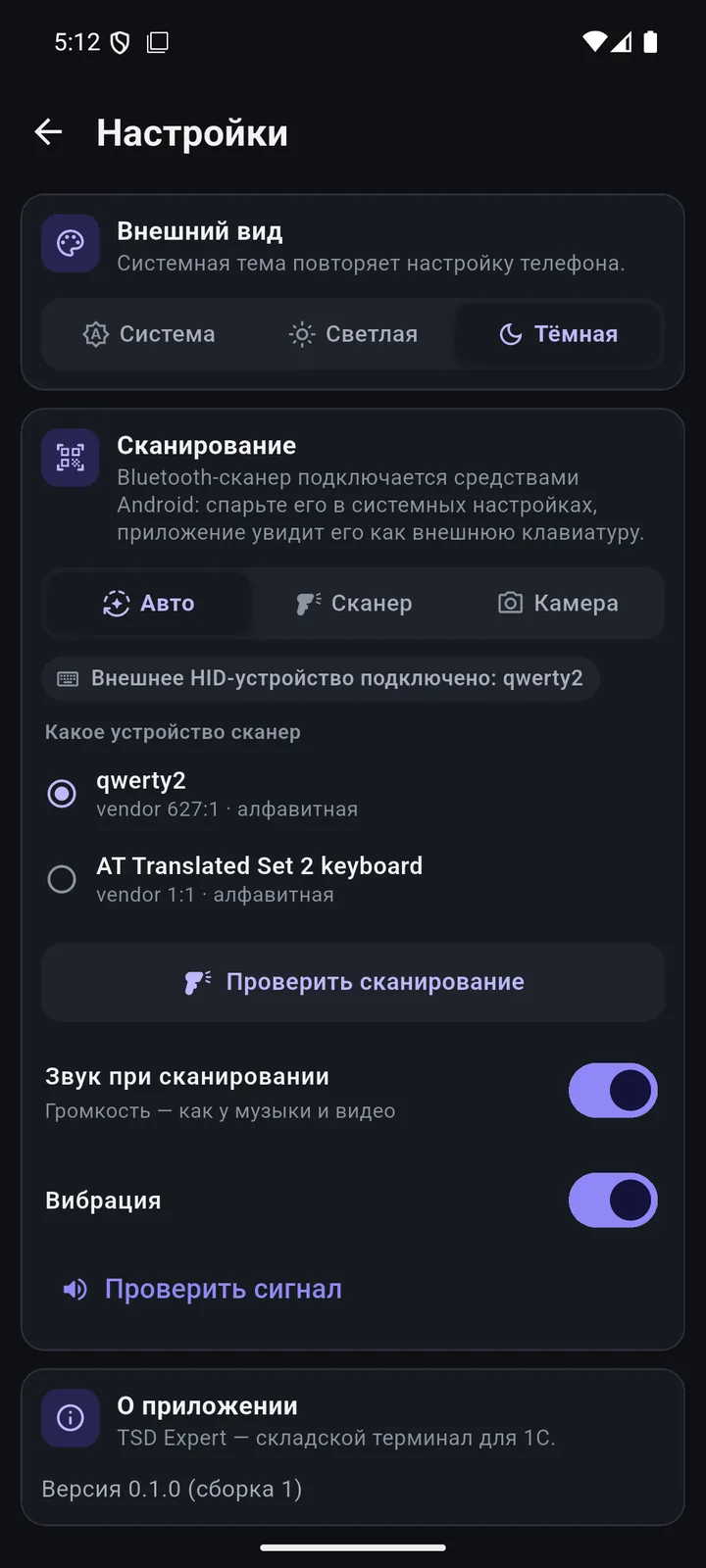
Phone camera, built-in terminal scanner or a Bluetooth scanner. The product is found in your 1C right away.
 1C:Retail 2.0
 1C:FreshSoon
 1C:Retail 3.0Soon
 1C:AccountingSoon
 1C:TradeSoon
 1C:UNFSoon
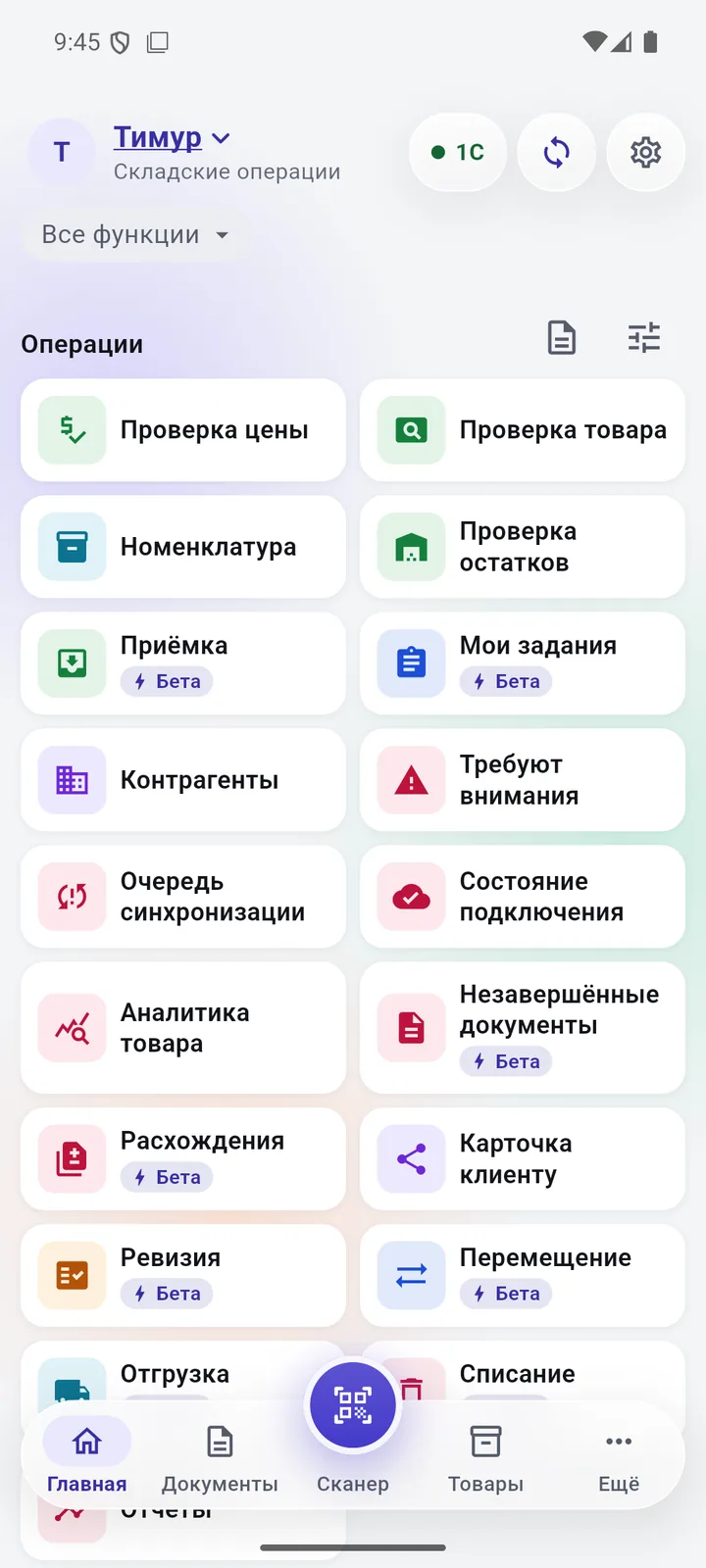
Scroll — each point shows its own screen.
Phone camera, built-in terminal scanner or a Bluetooth scanner. The product is found in your 1C right away.
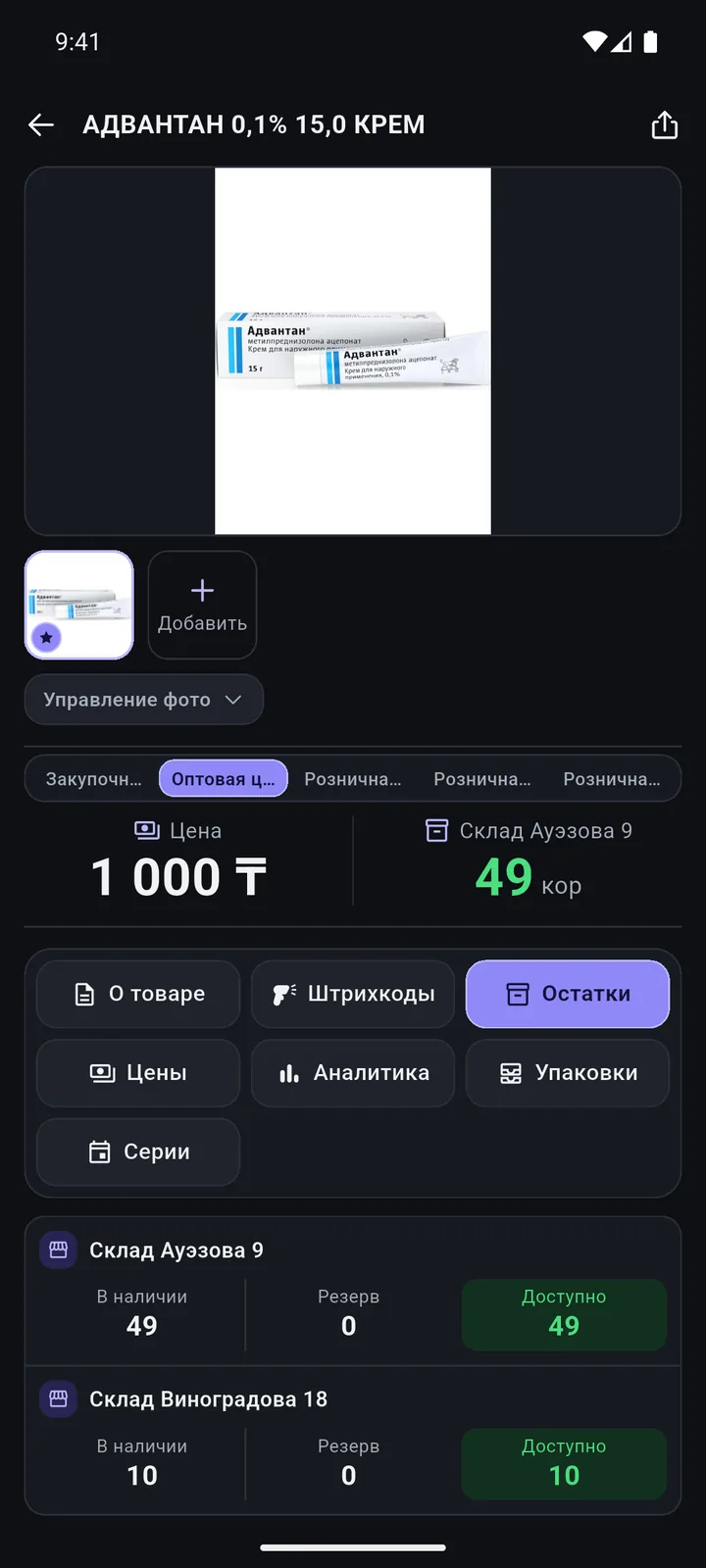
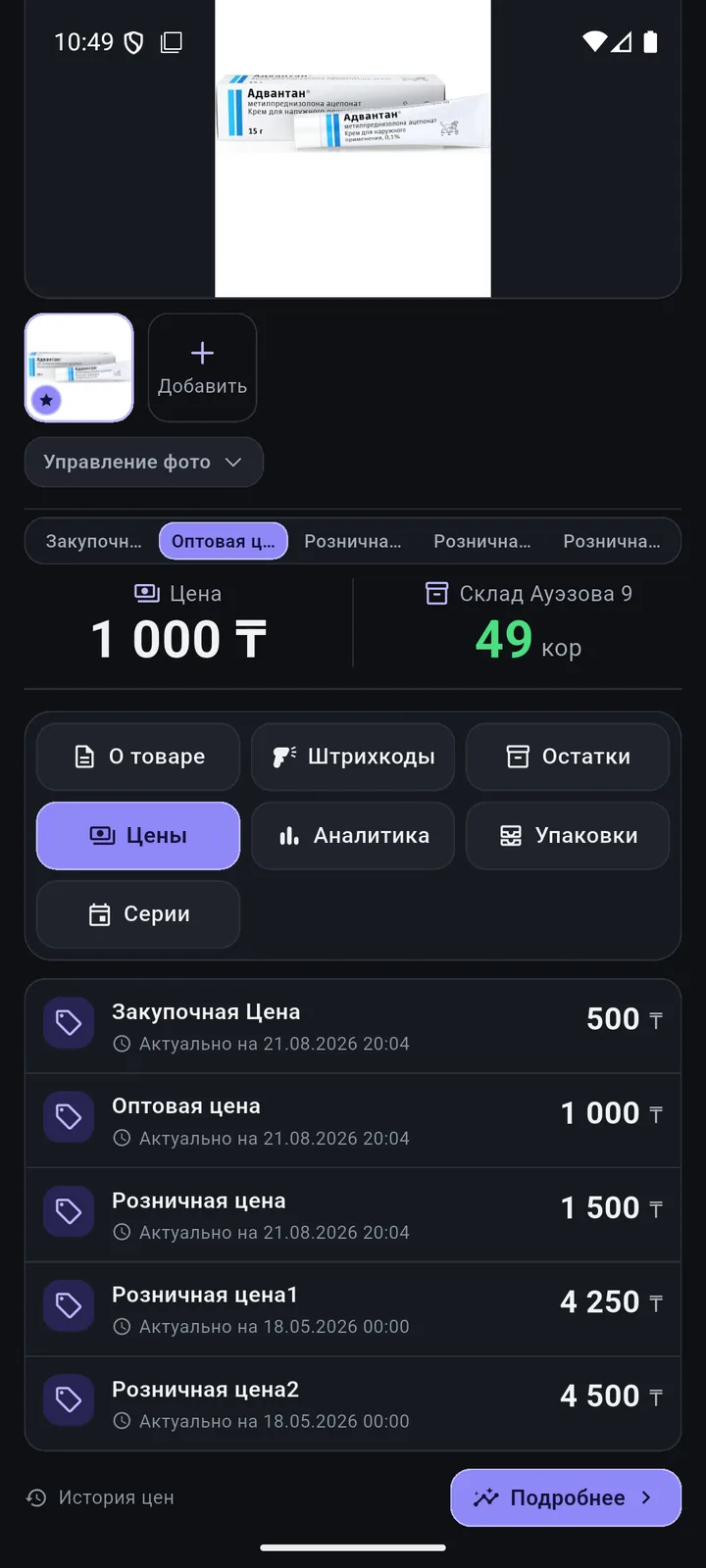
Stock by warehouse, prices, batches and analytics. Changed a description, brand or package? Tap «Сохранить в 1С» (Save to 1C).
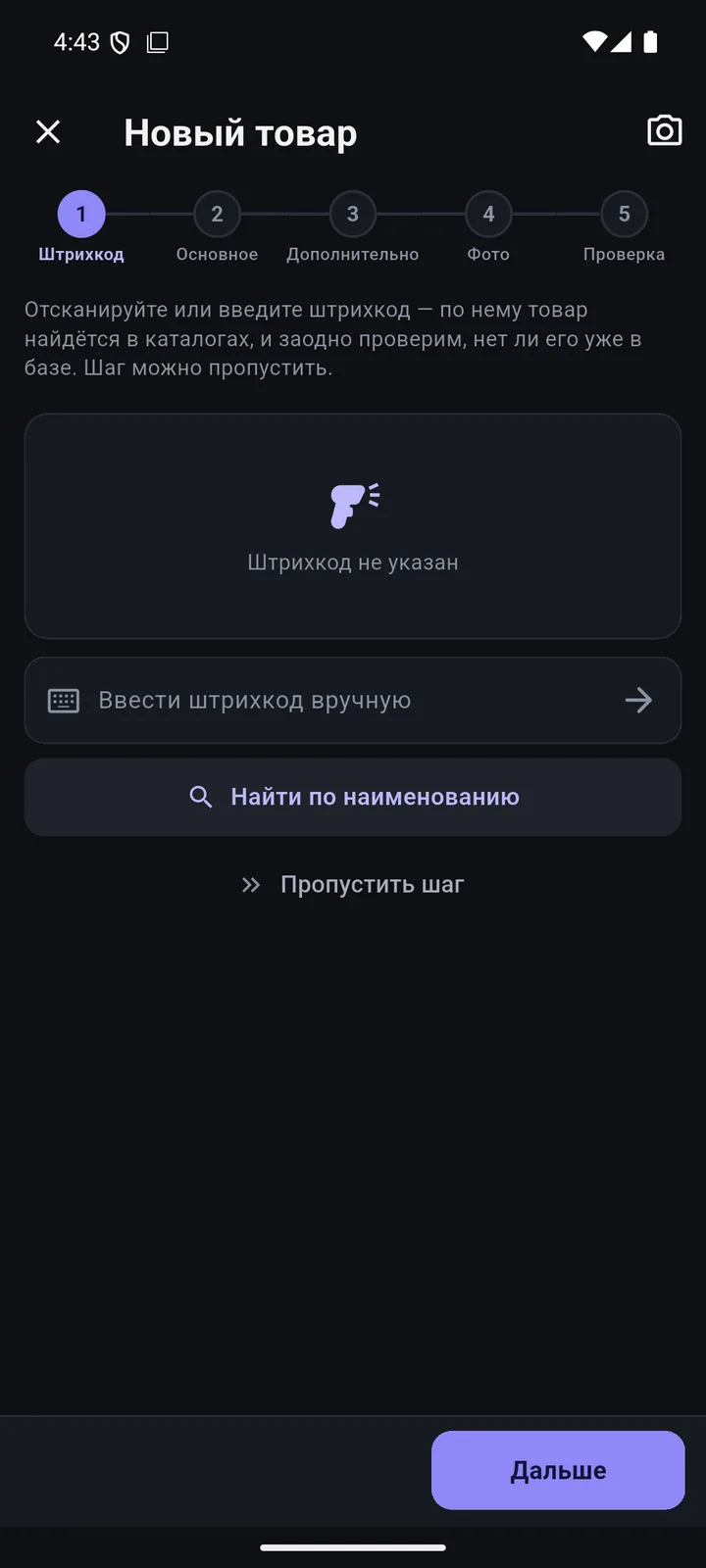
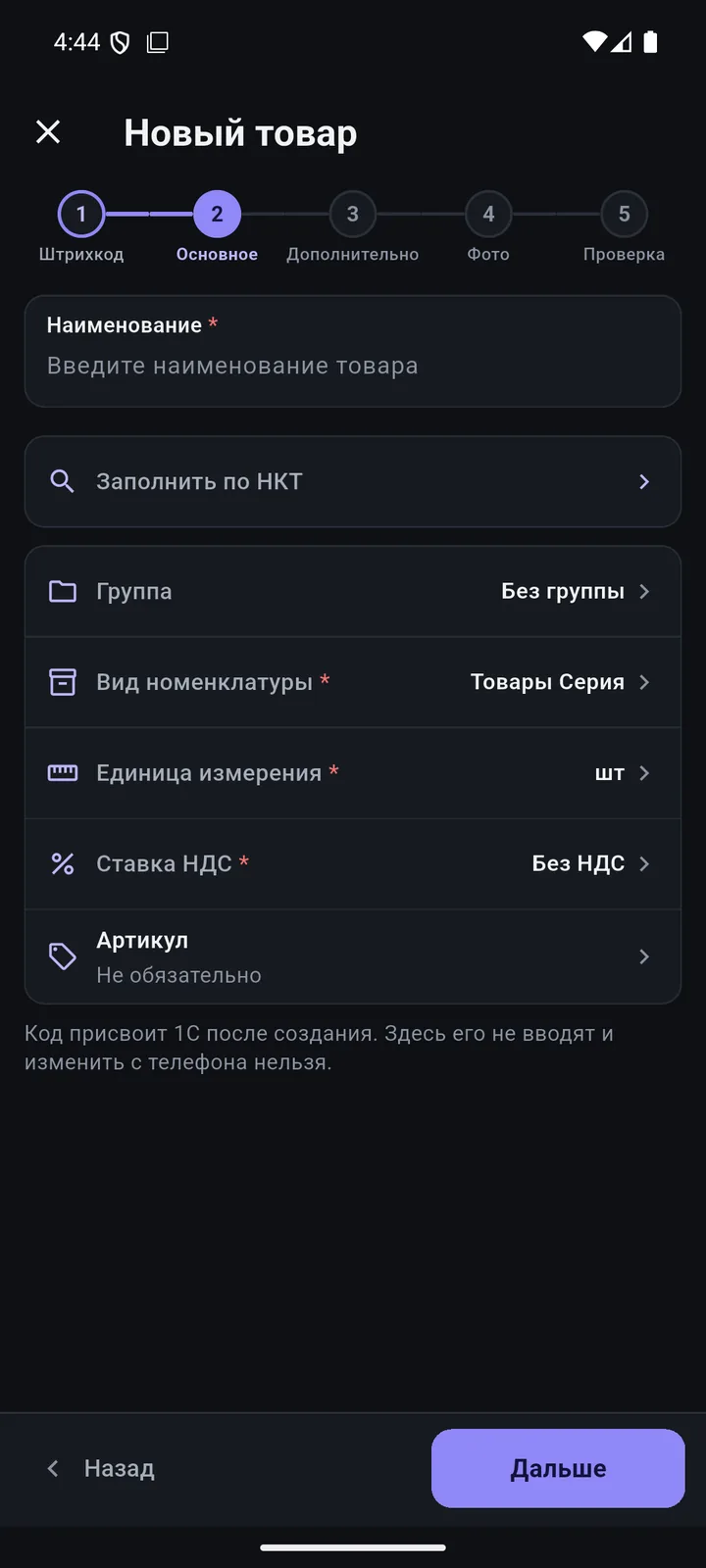
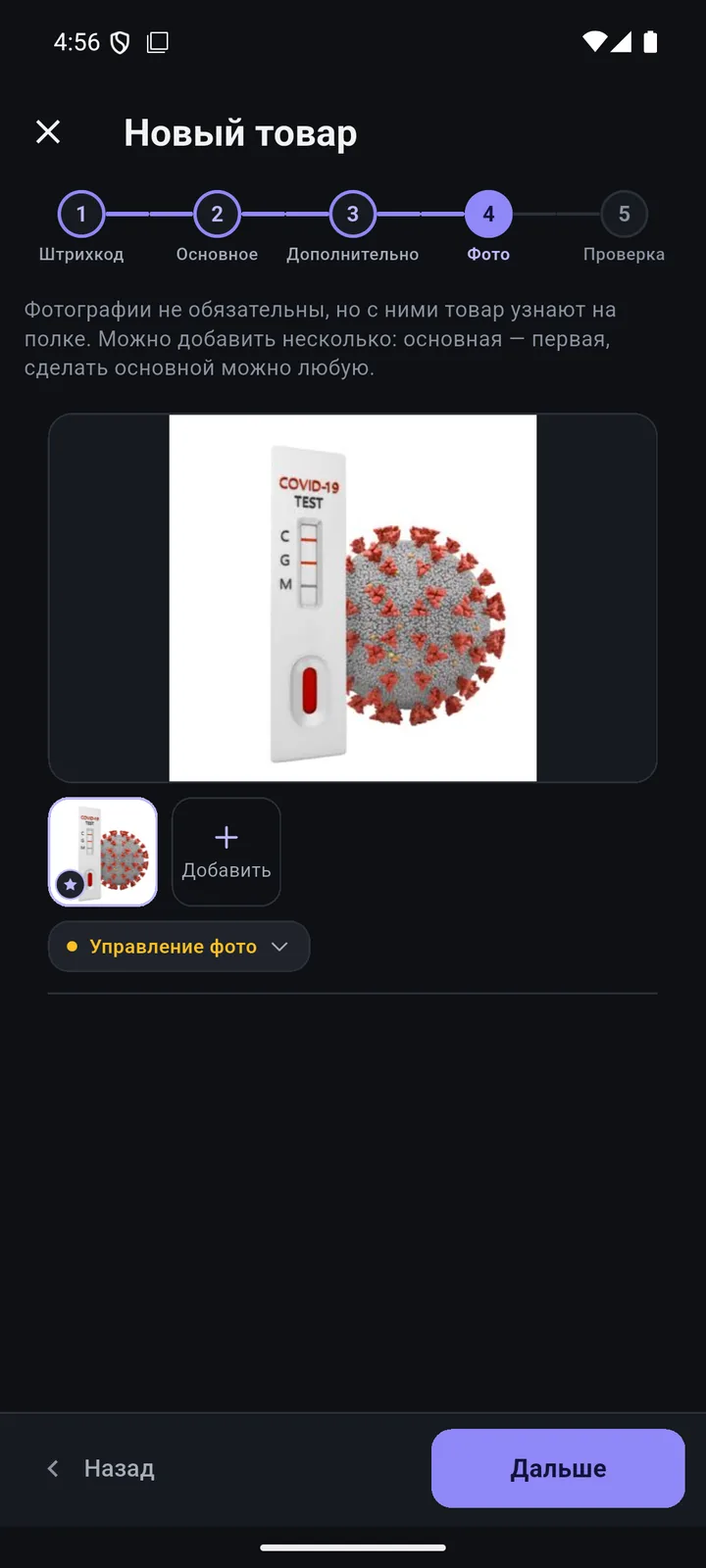
Barcode → main → extra → photo → review. The name, brand and code come from Kazakhstan’s National Catalogue of Goods.
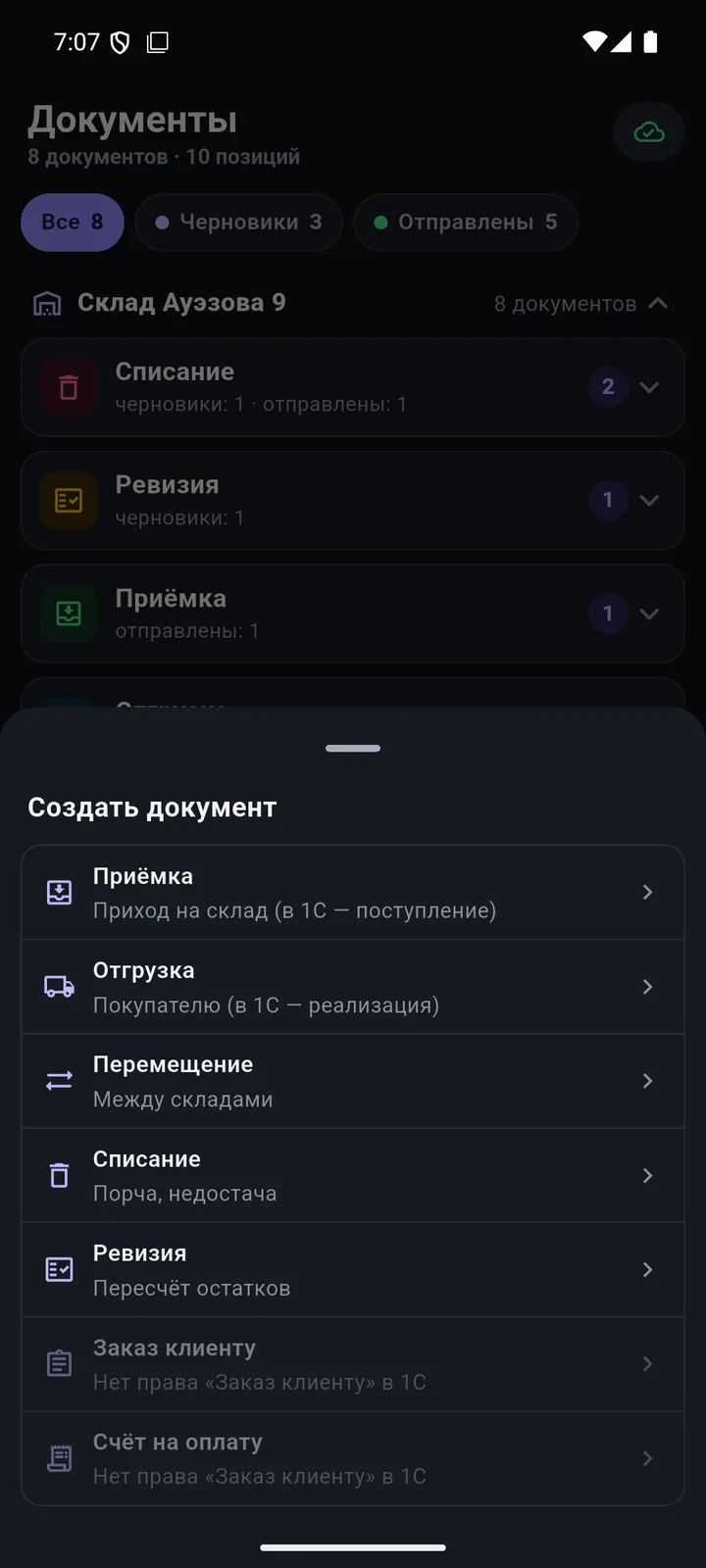
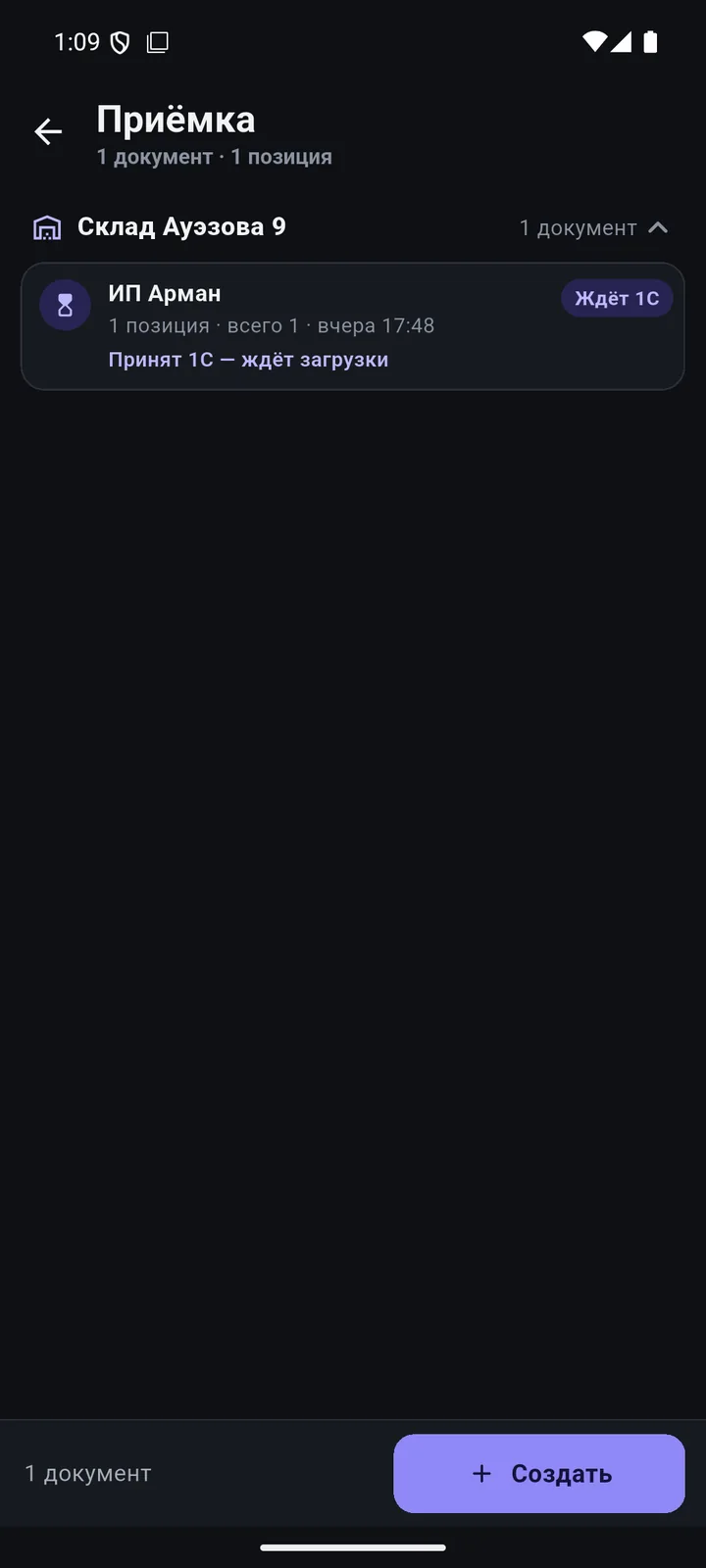
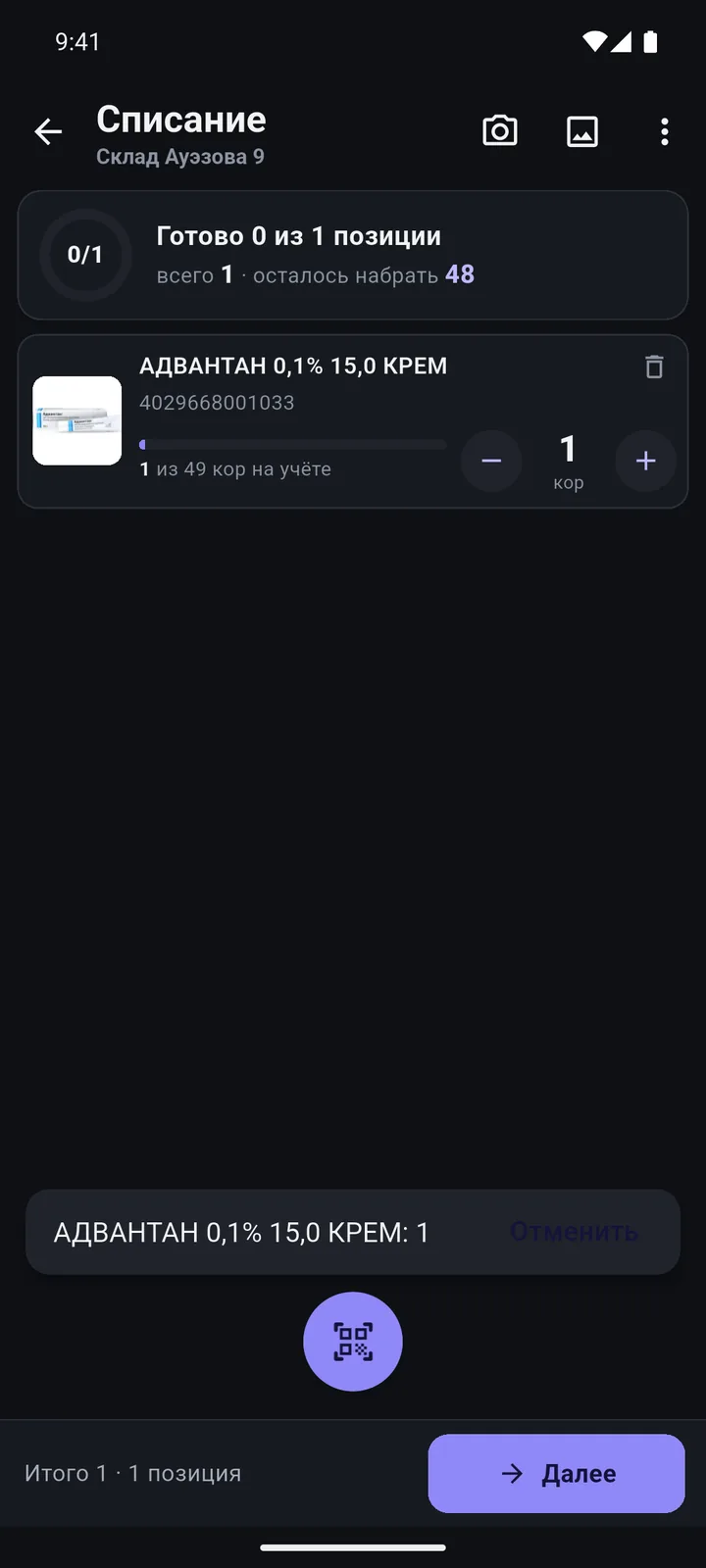
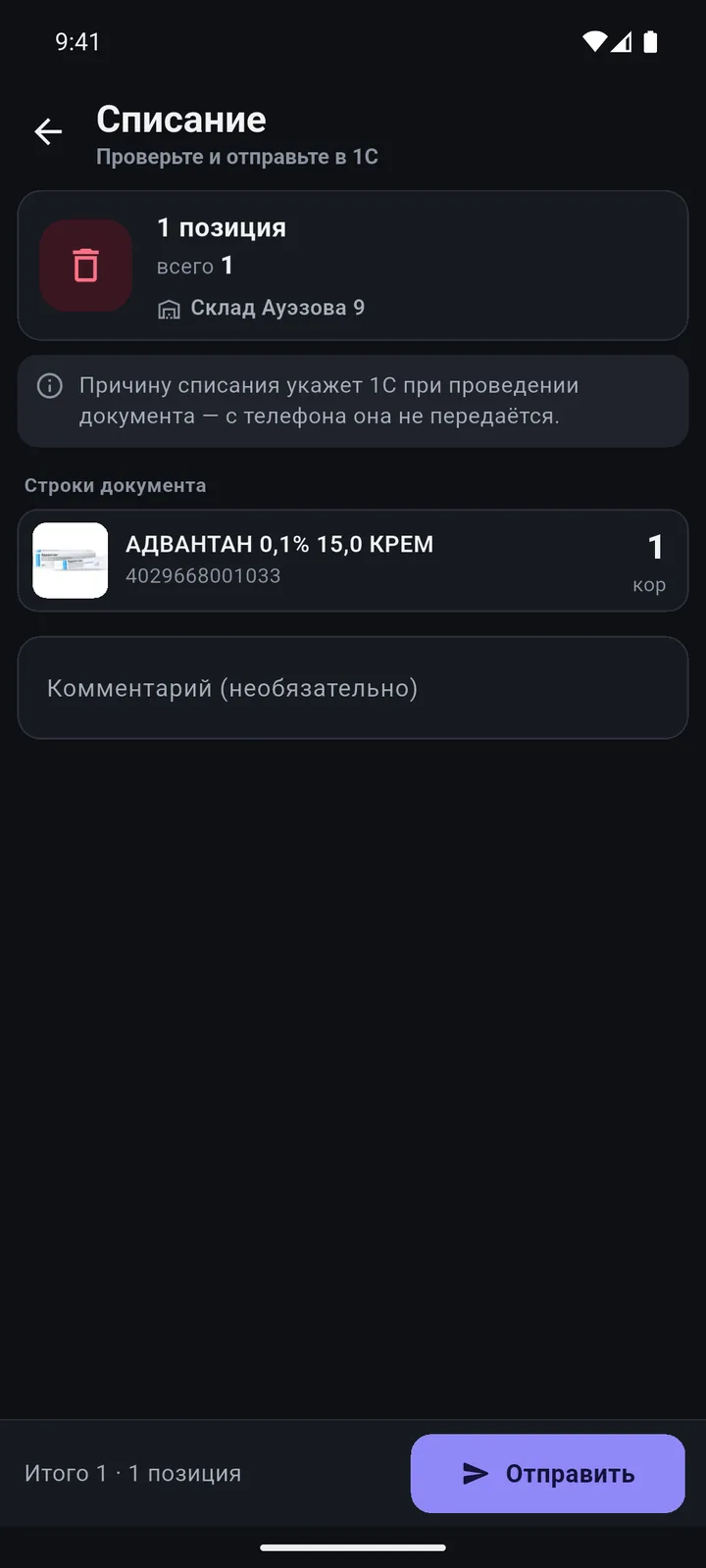
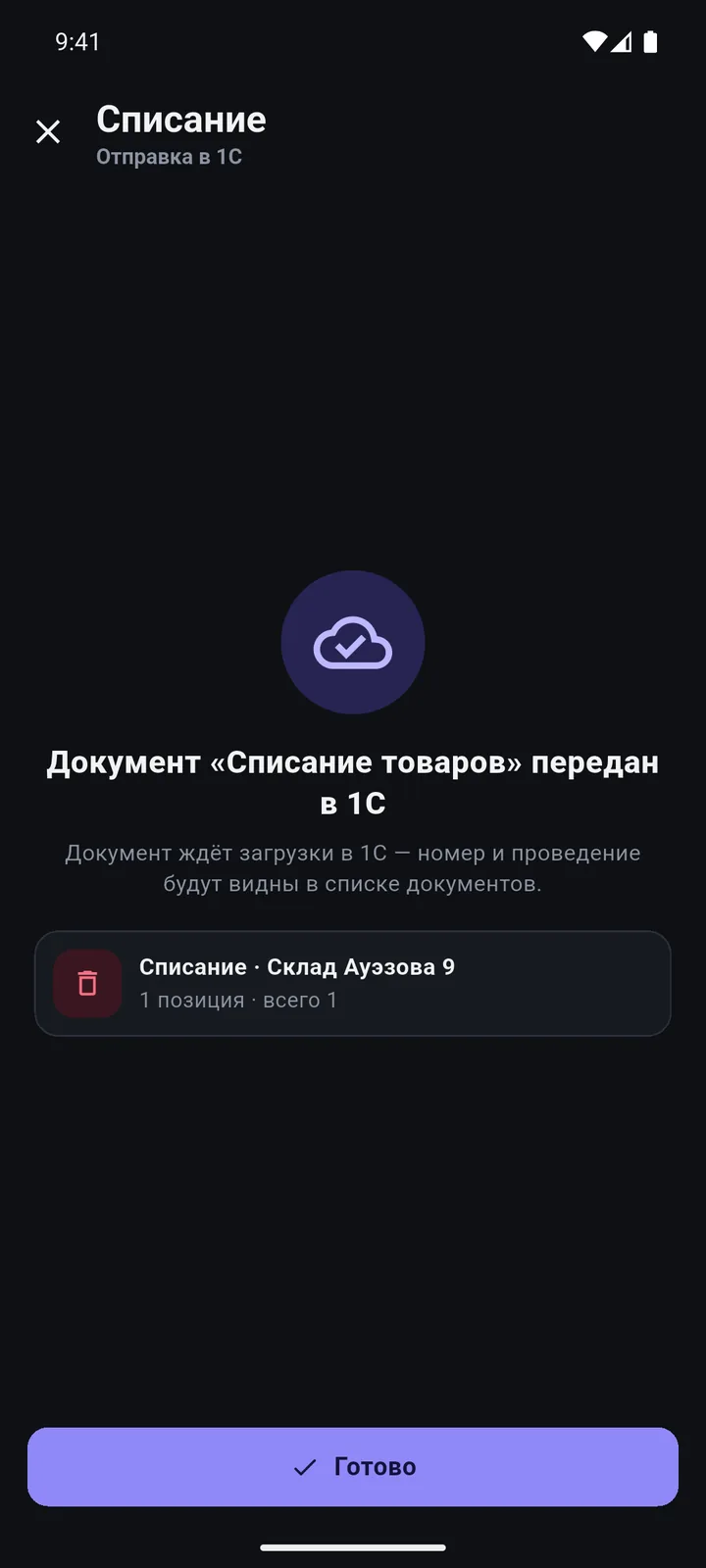
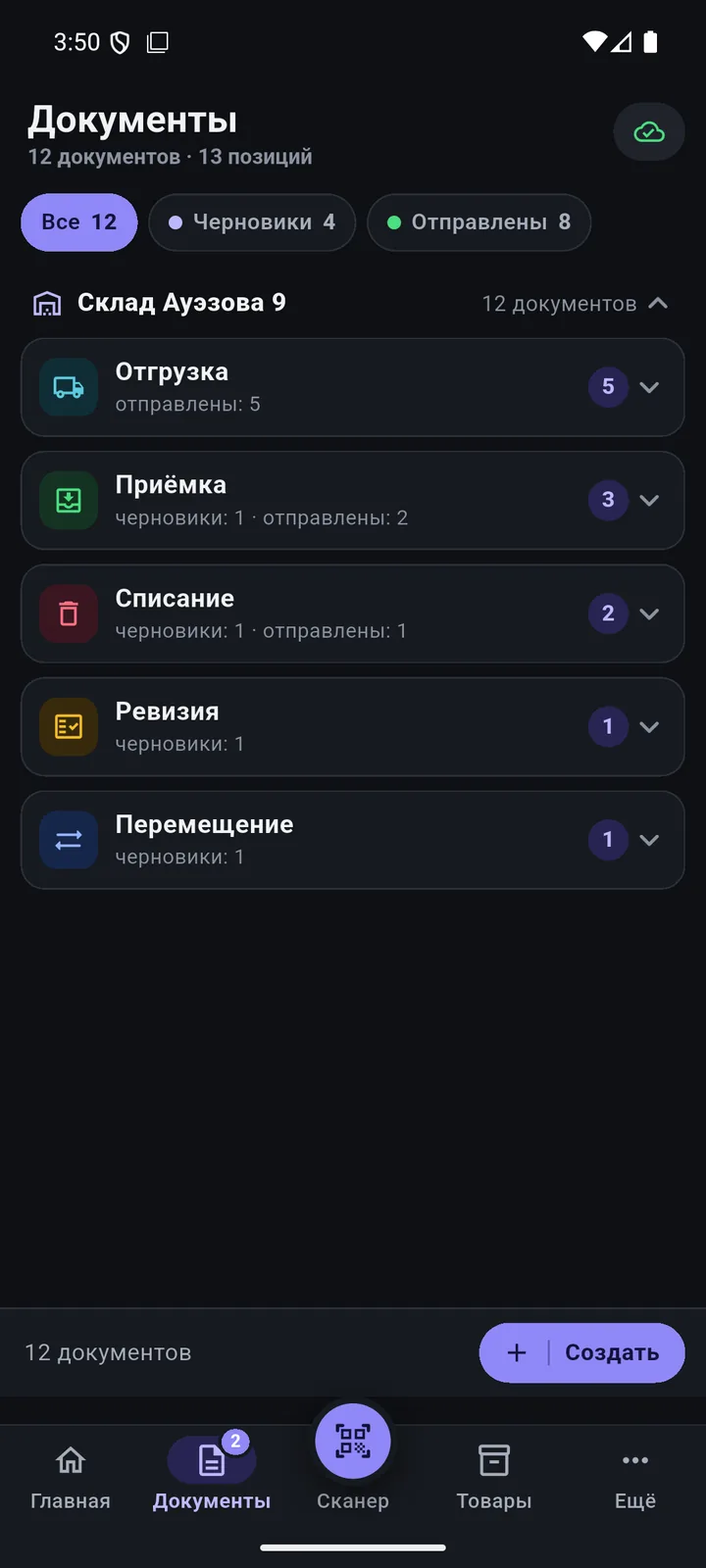
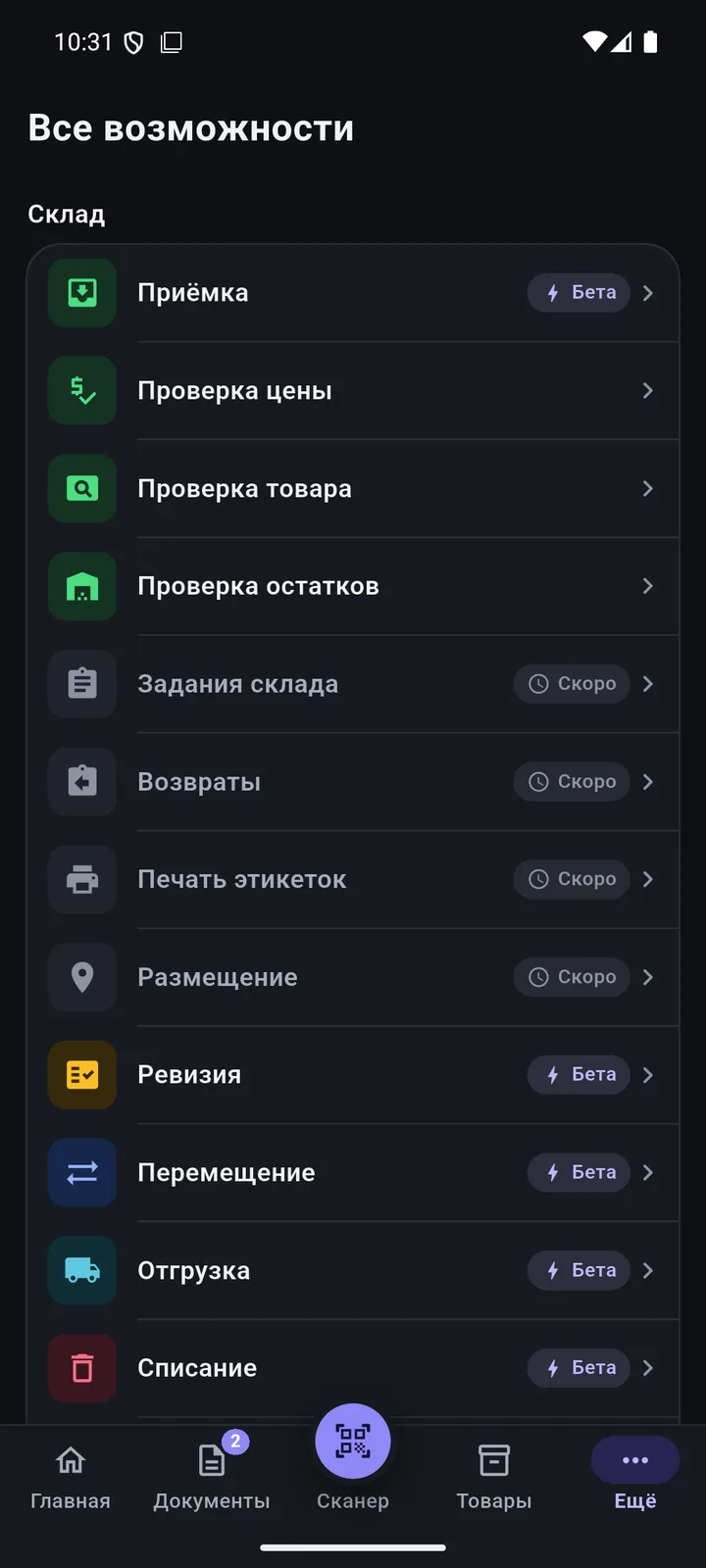
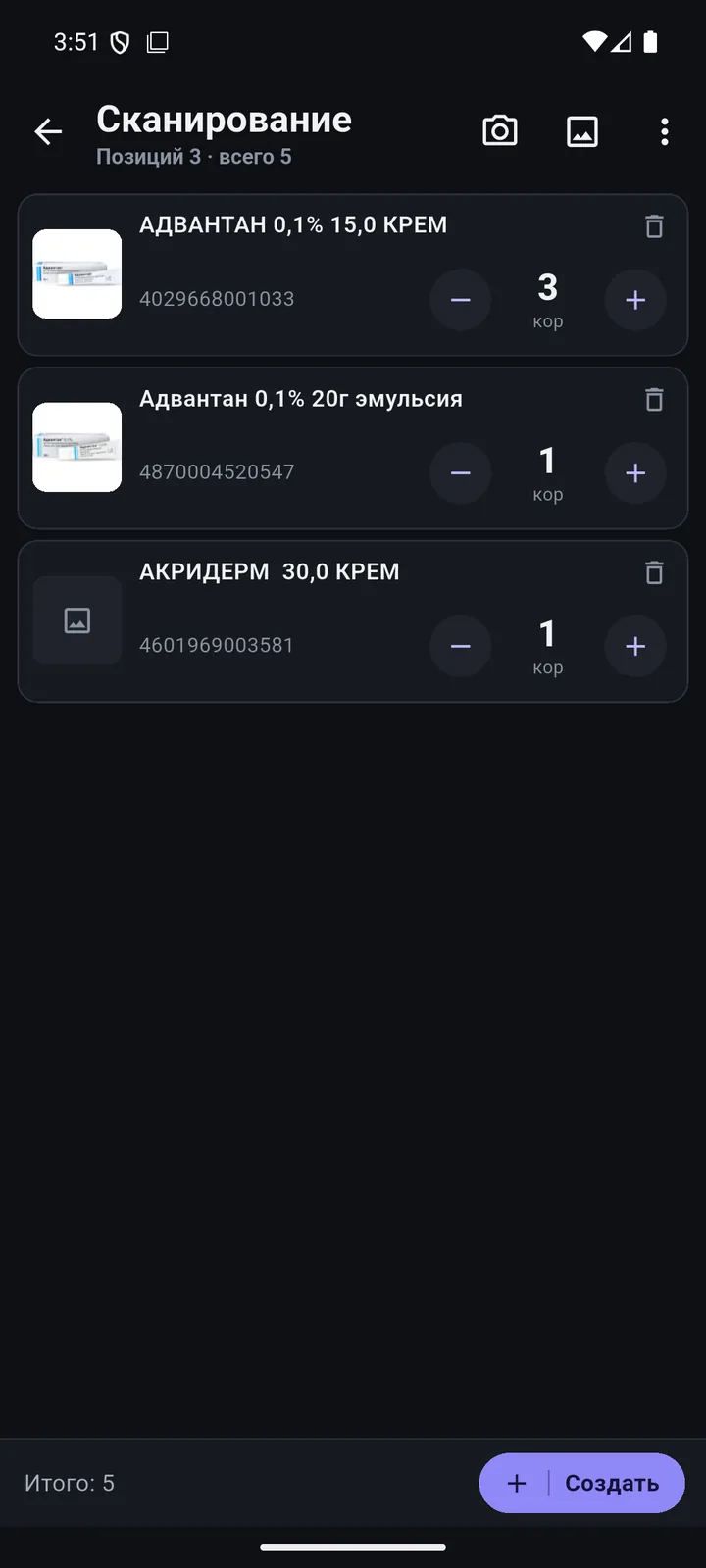
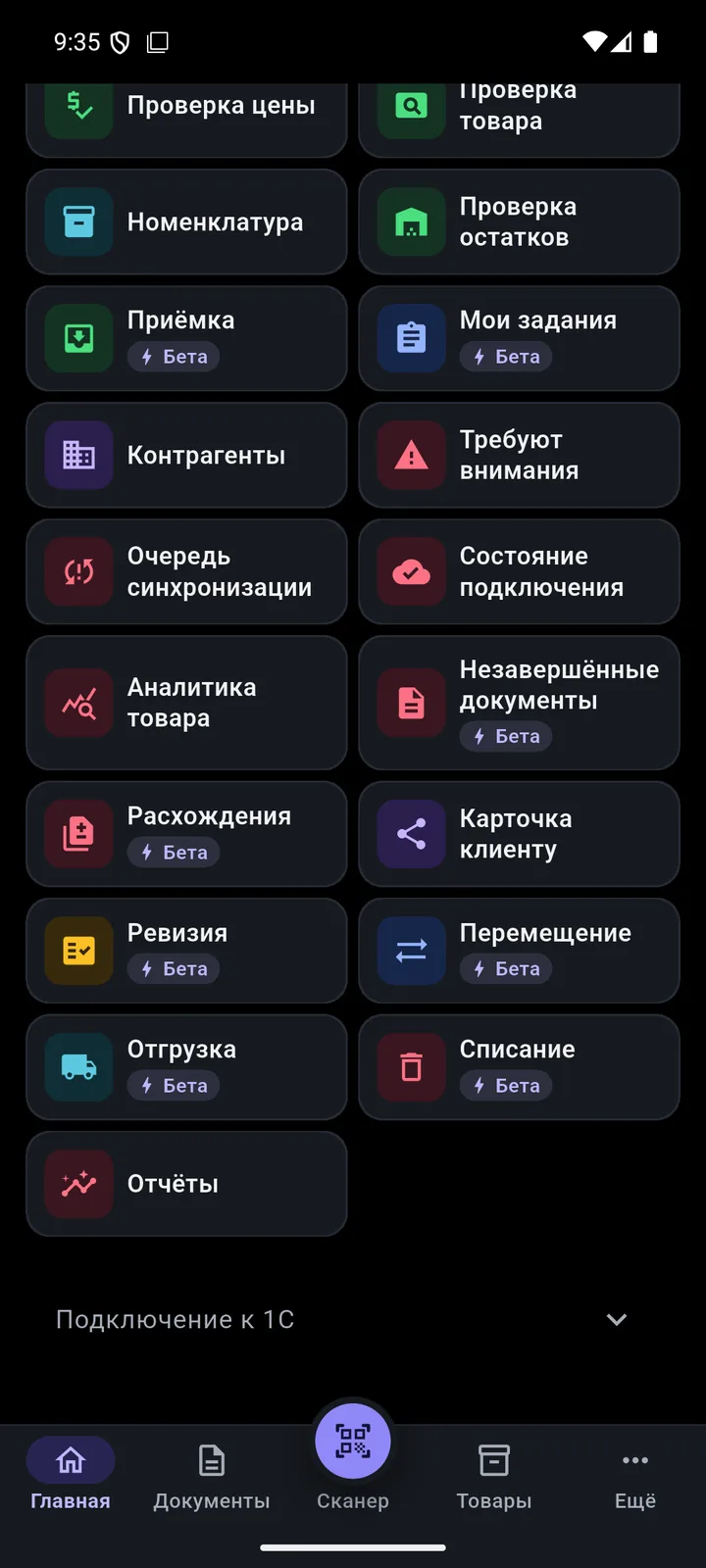
Goods receipt, shipment, transfer, stock count, write-off. Scan products — the document goes to 1C.
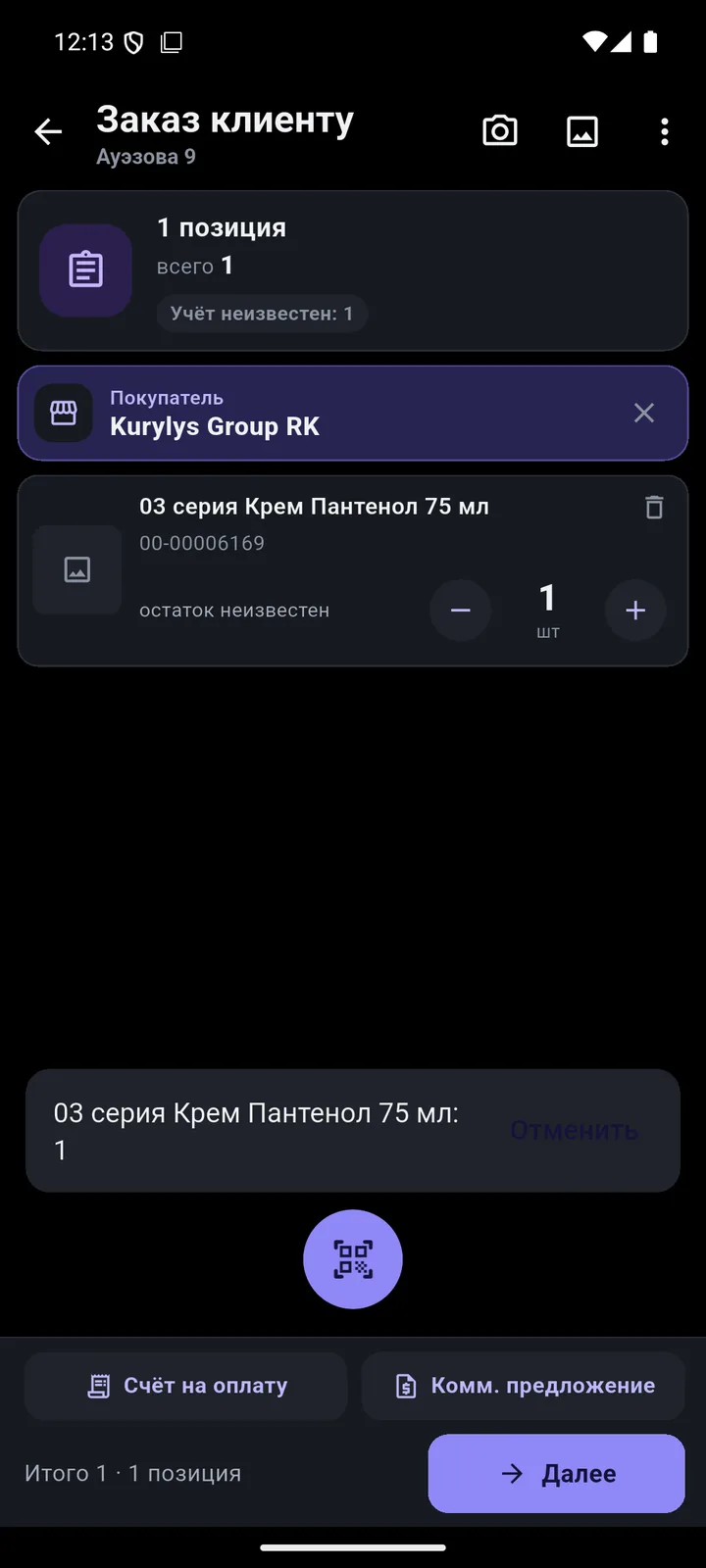
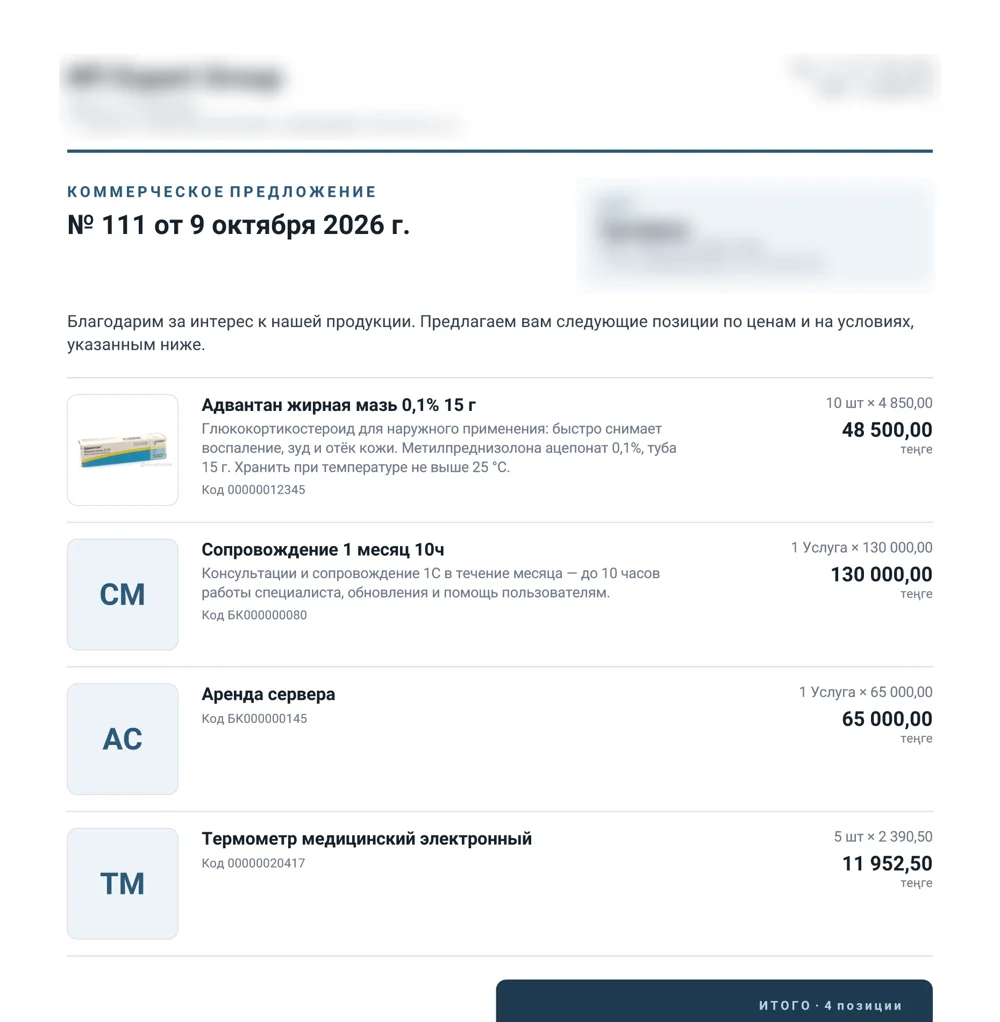
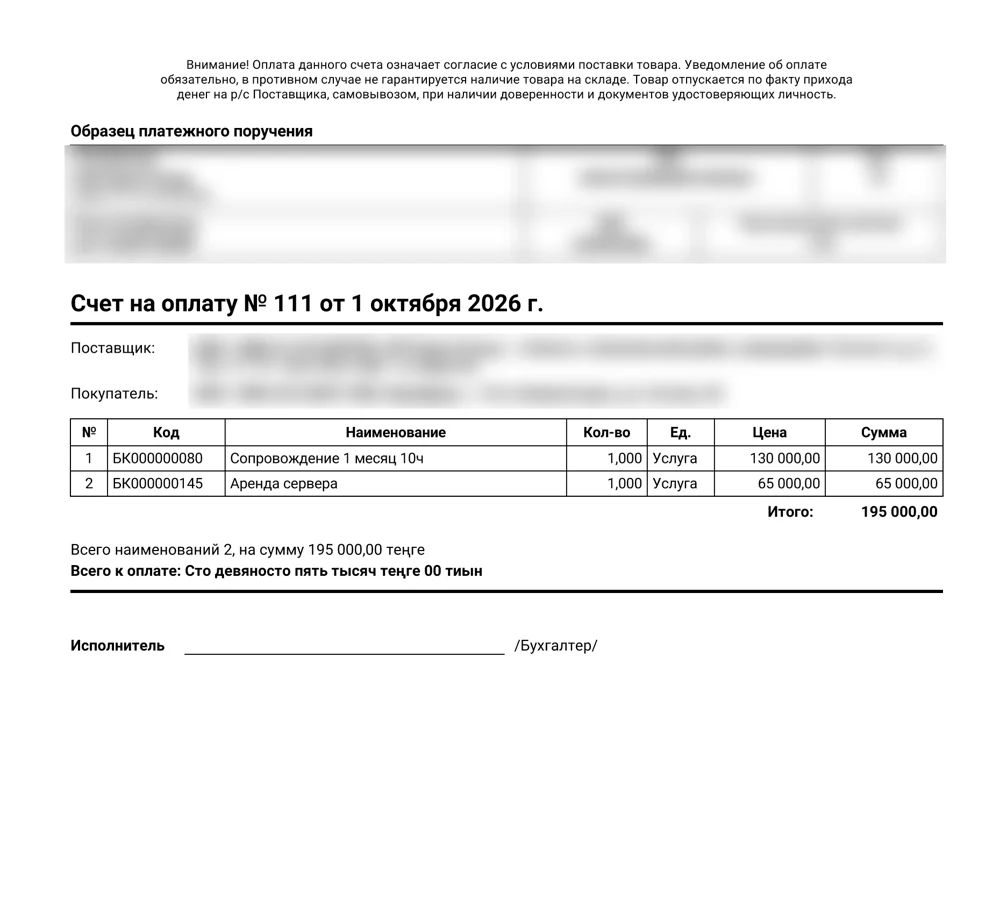
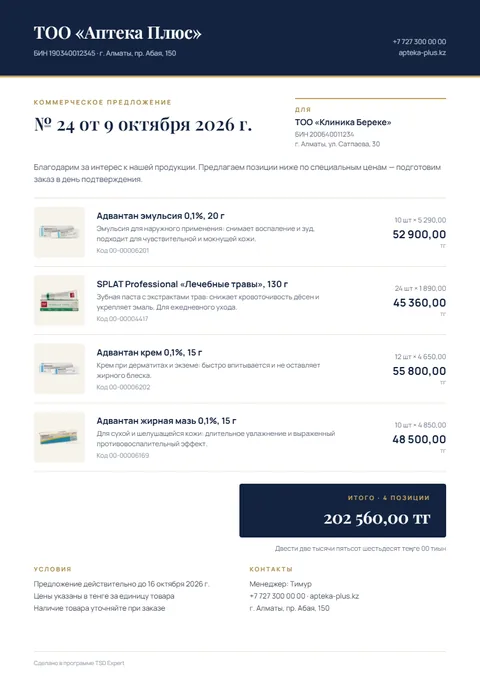
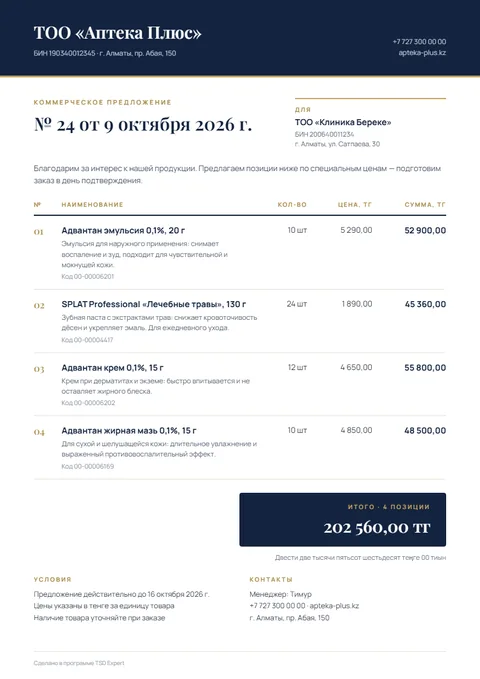
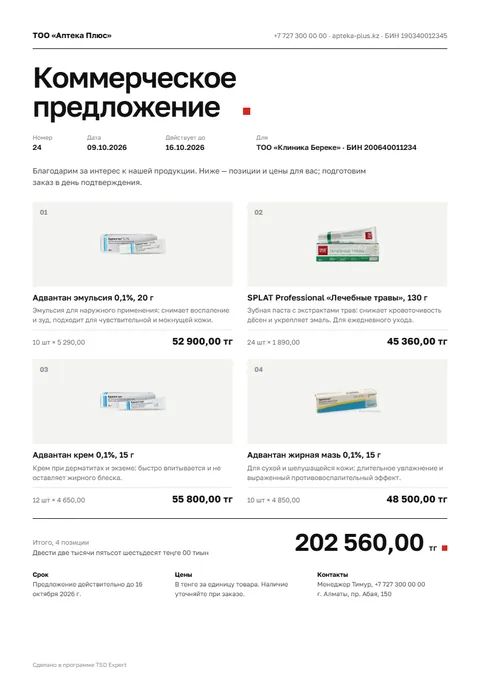
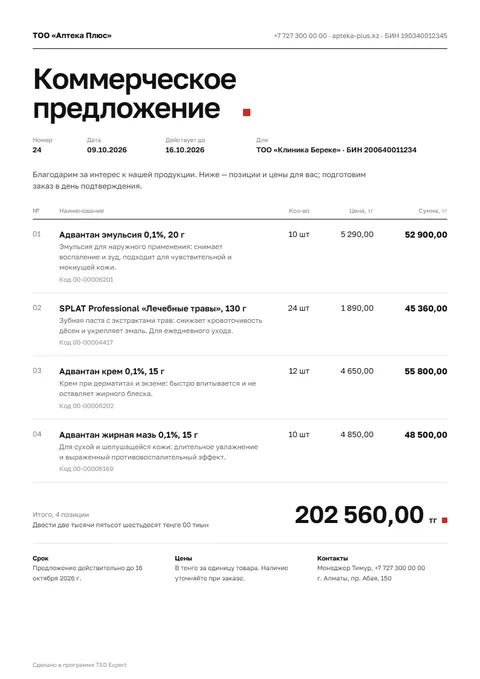
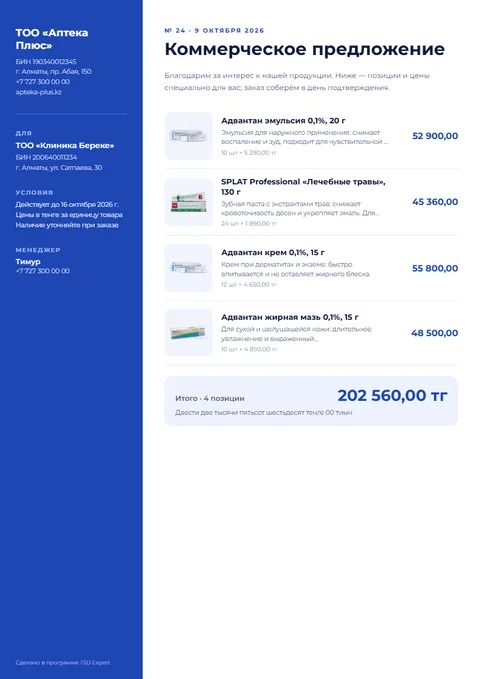
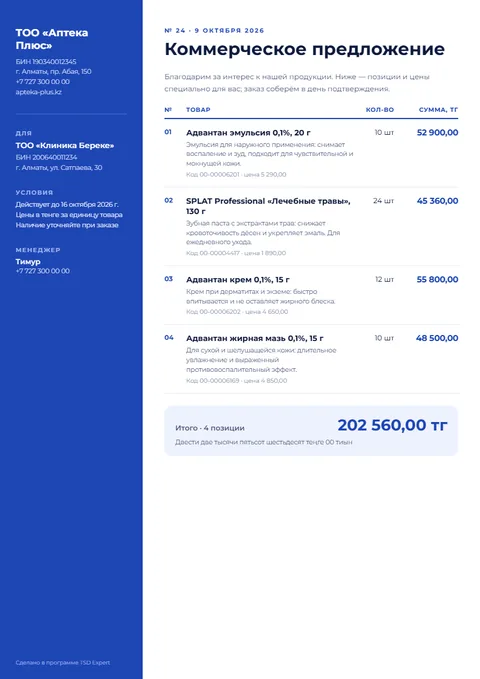
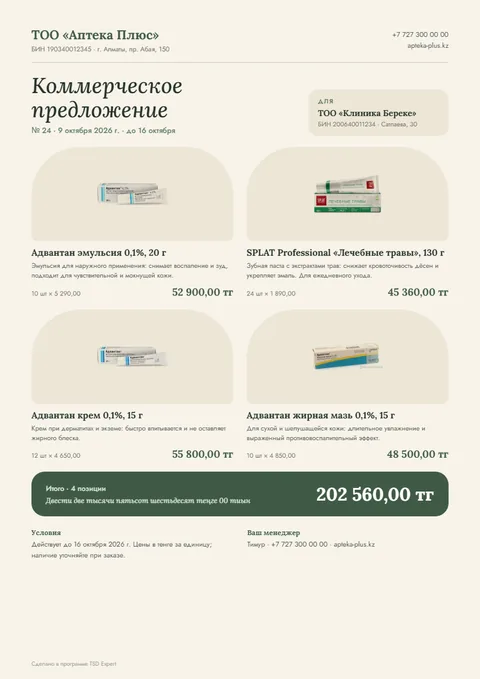
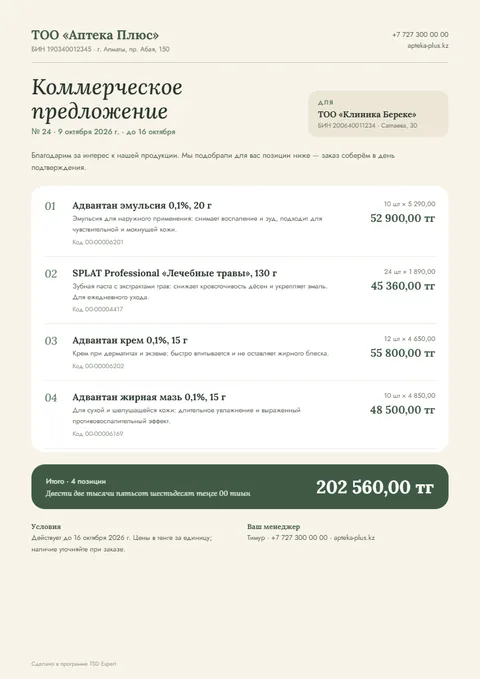
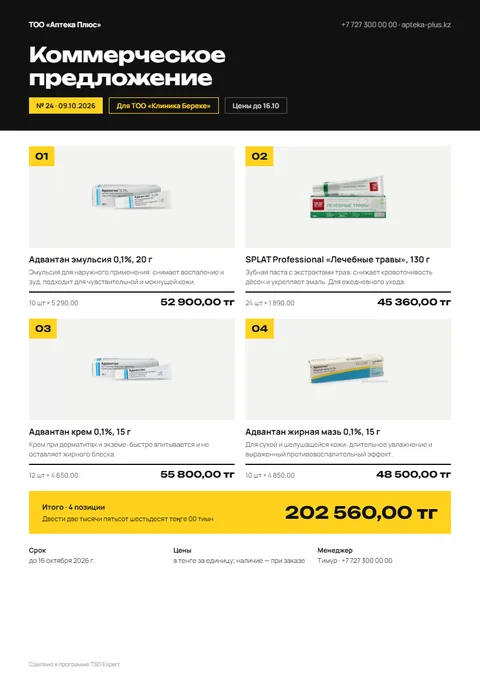
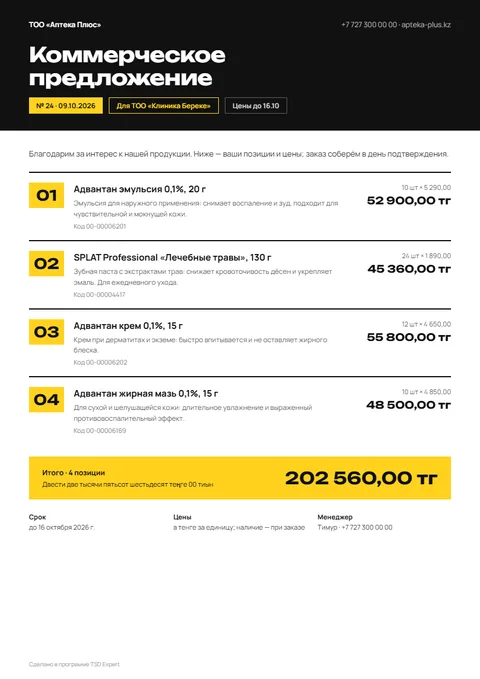
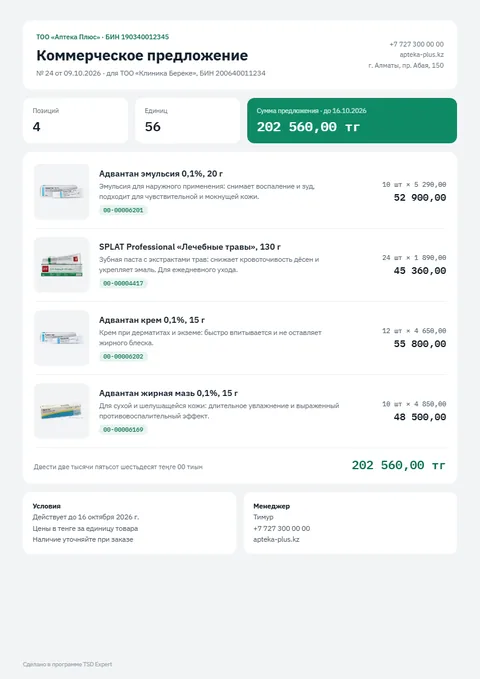
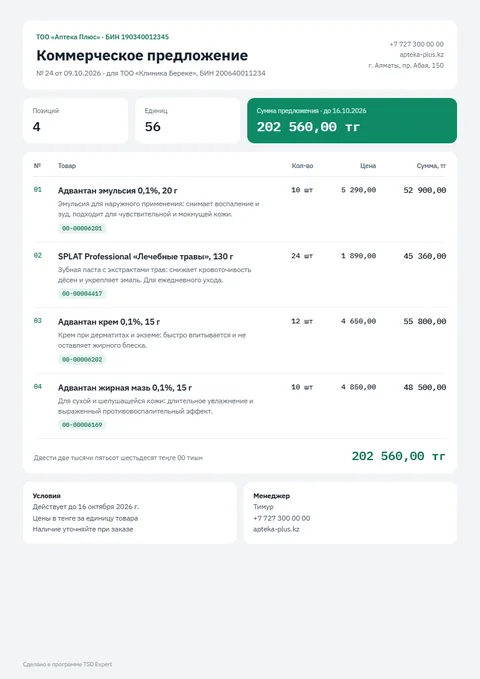
A customer order on the phone, an invoice and a commercial offer (quote) in PDF — in seconds, even offline.
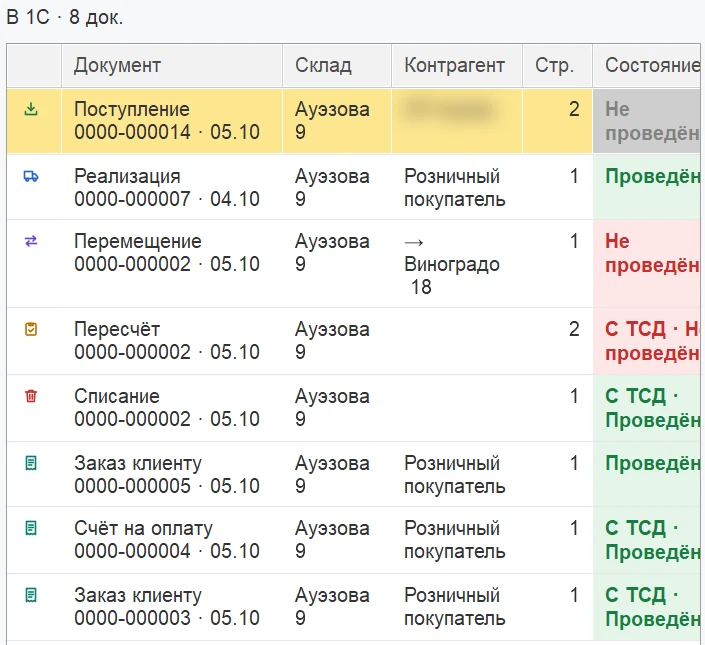
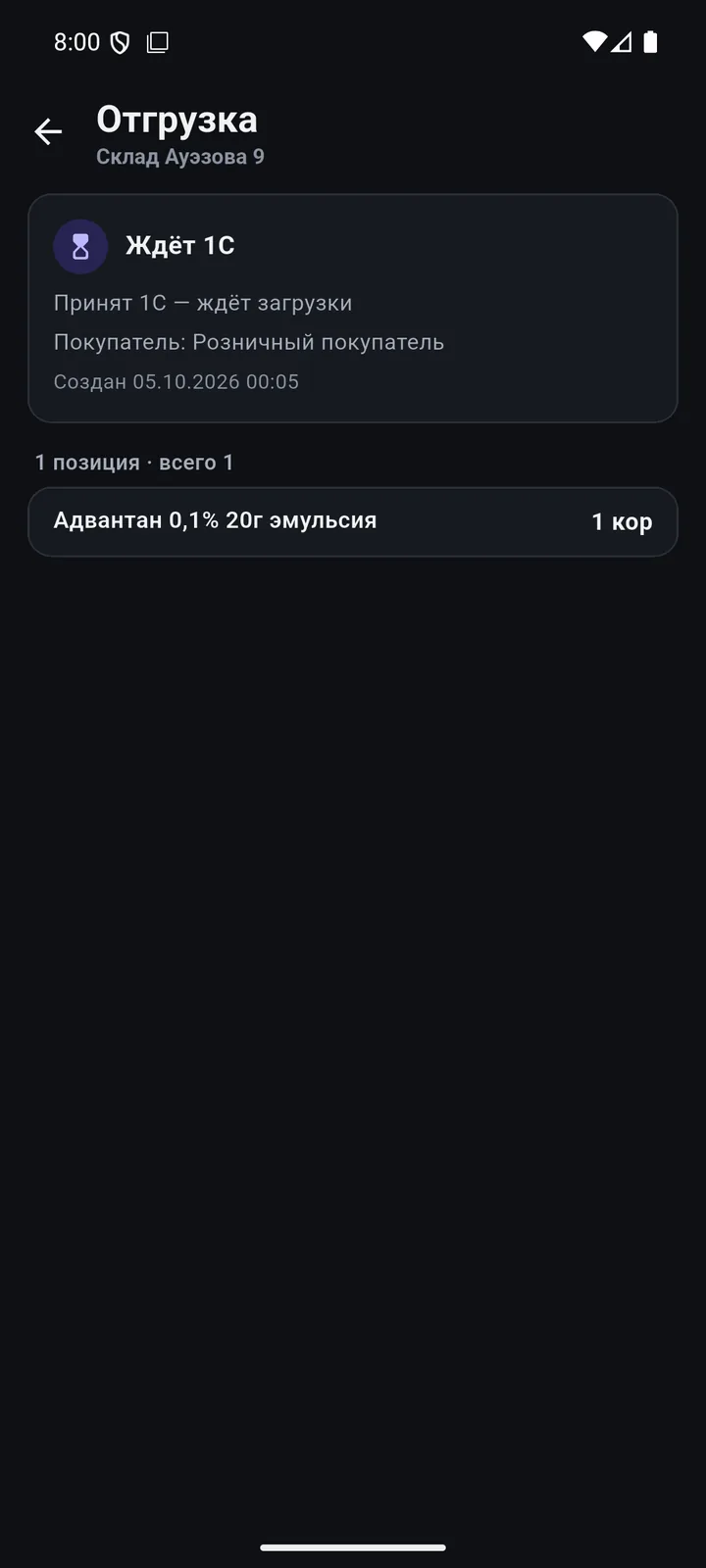
The phone works with your 1C directly. You see what was sent, what was posted and what was not — and why.
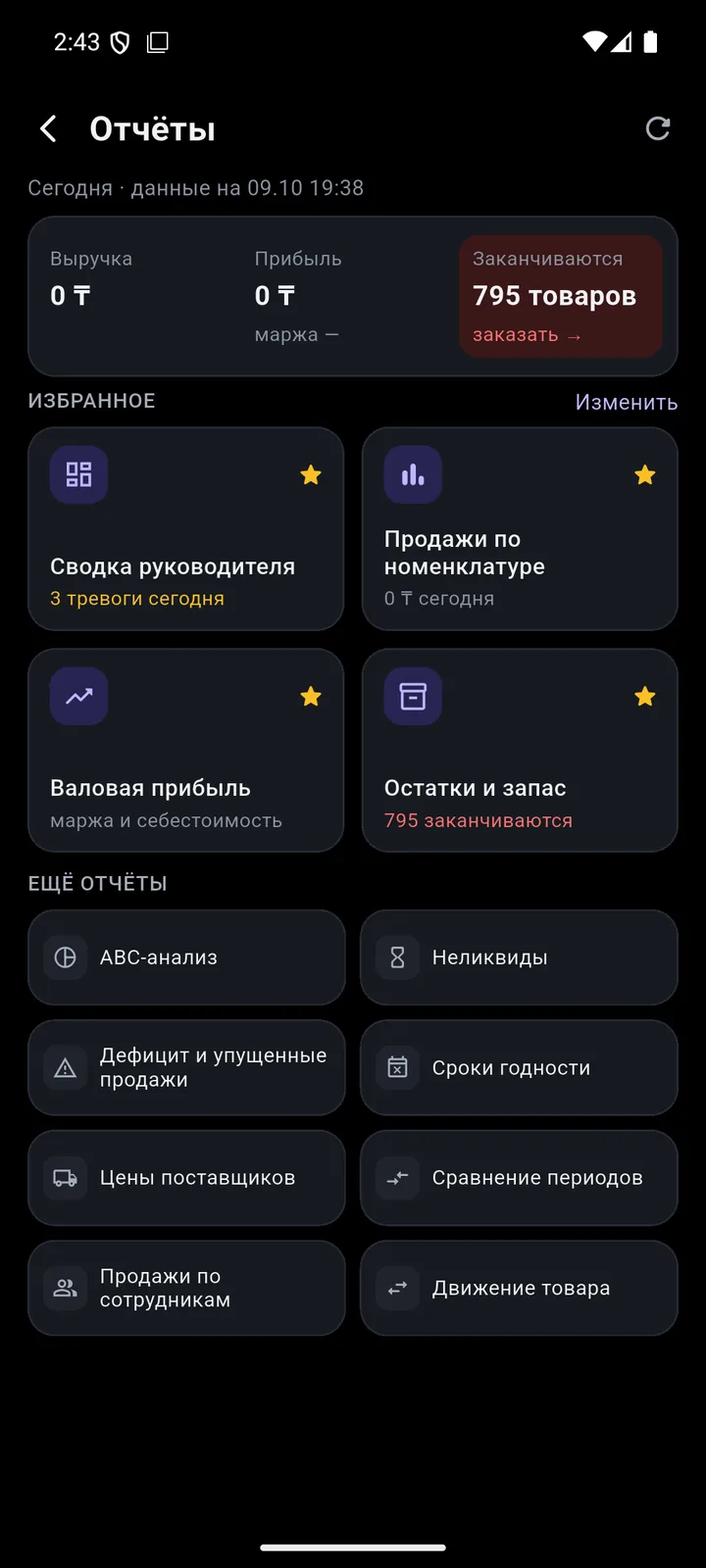
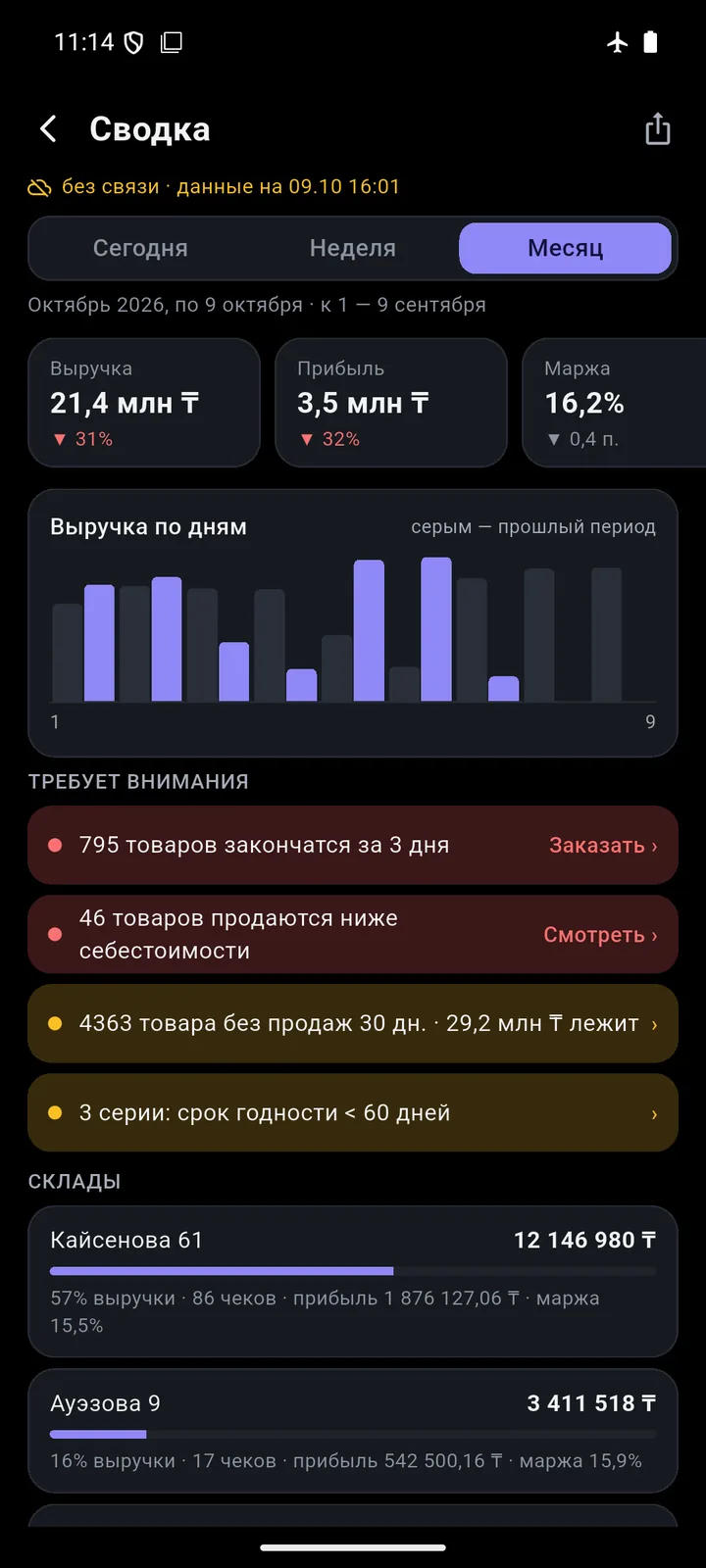
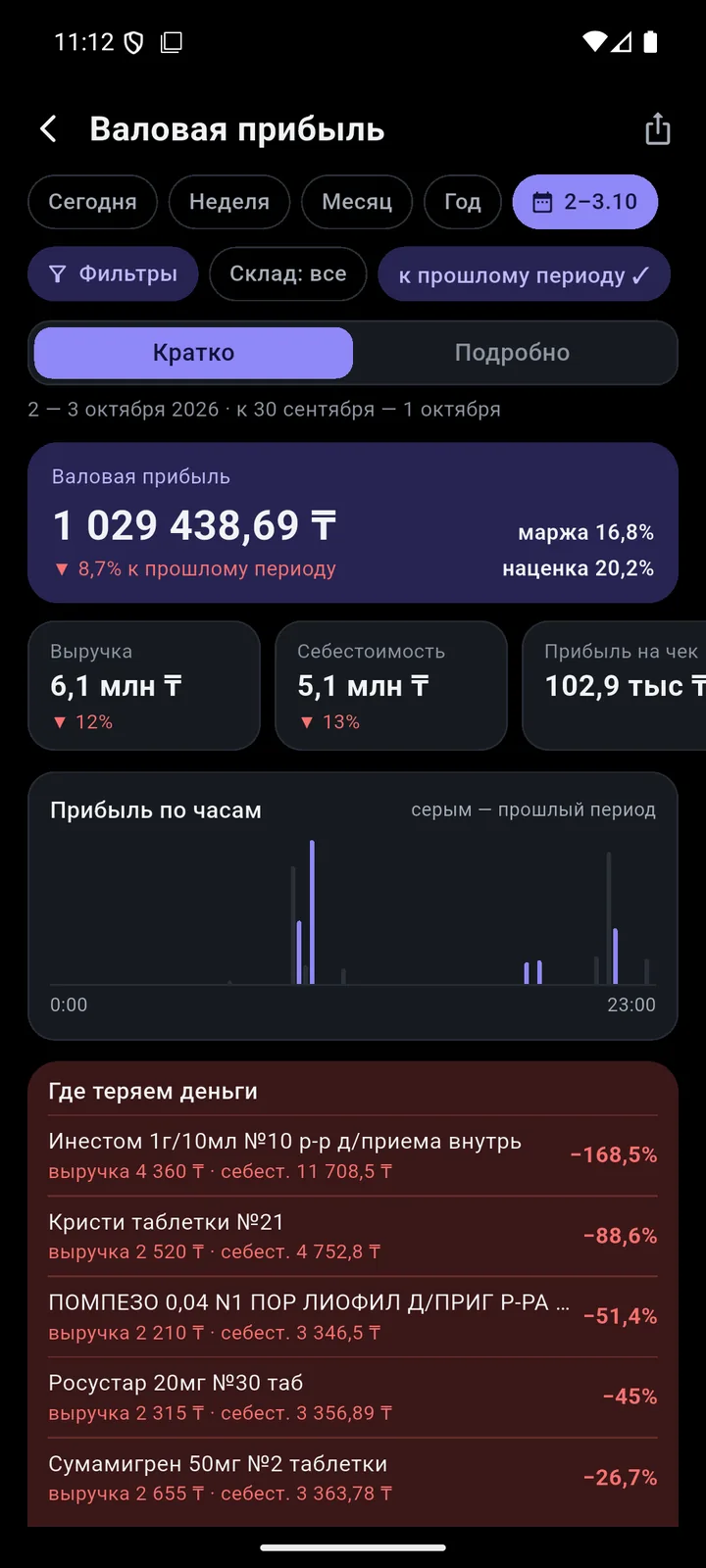
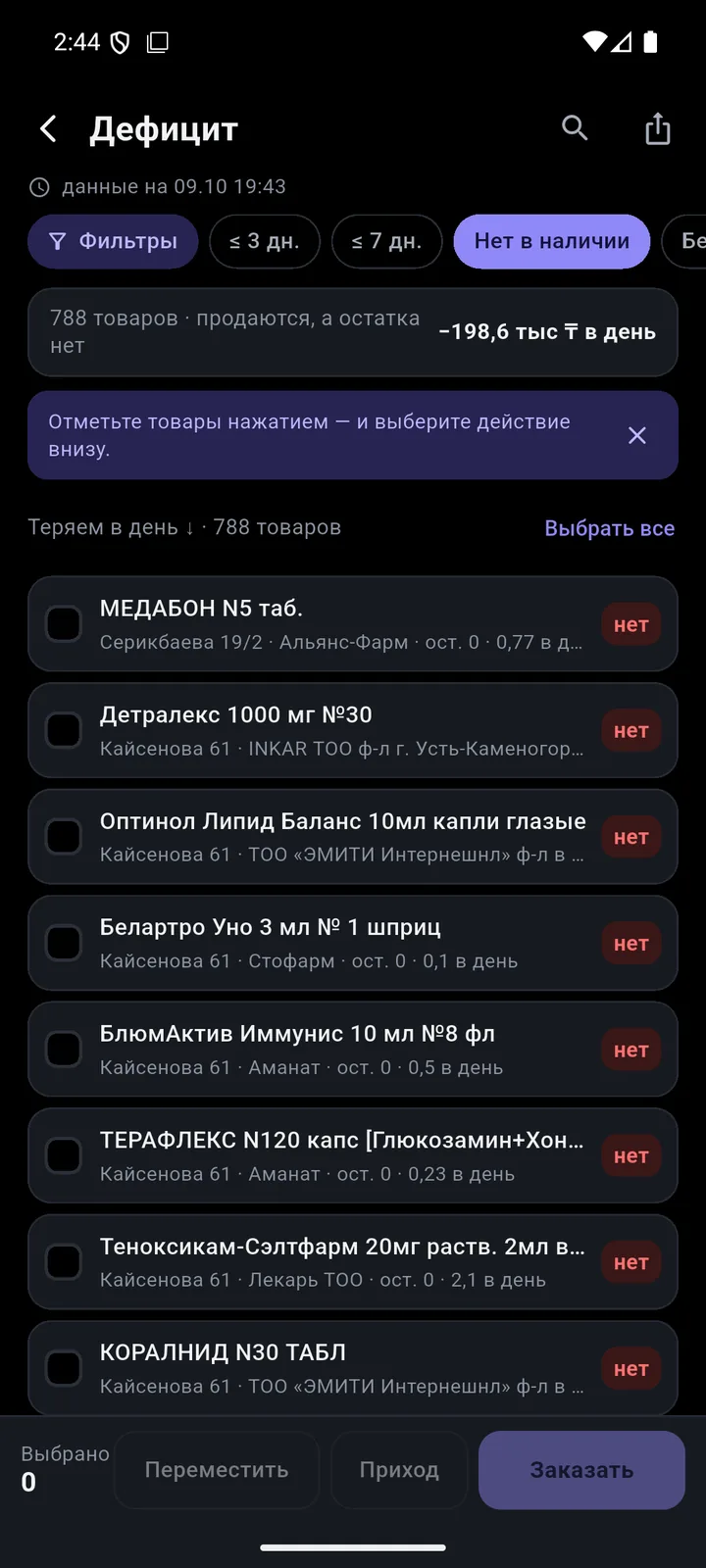
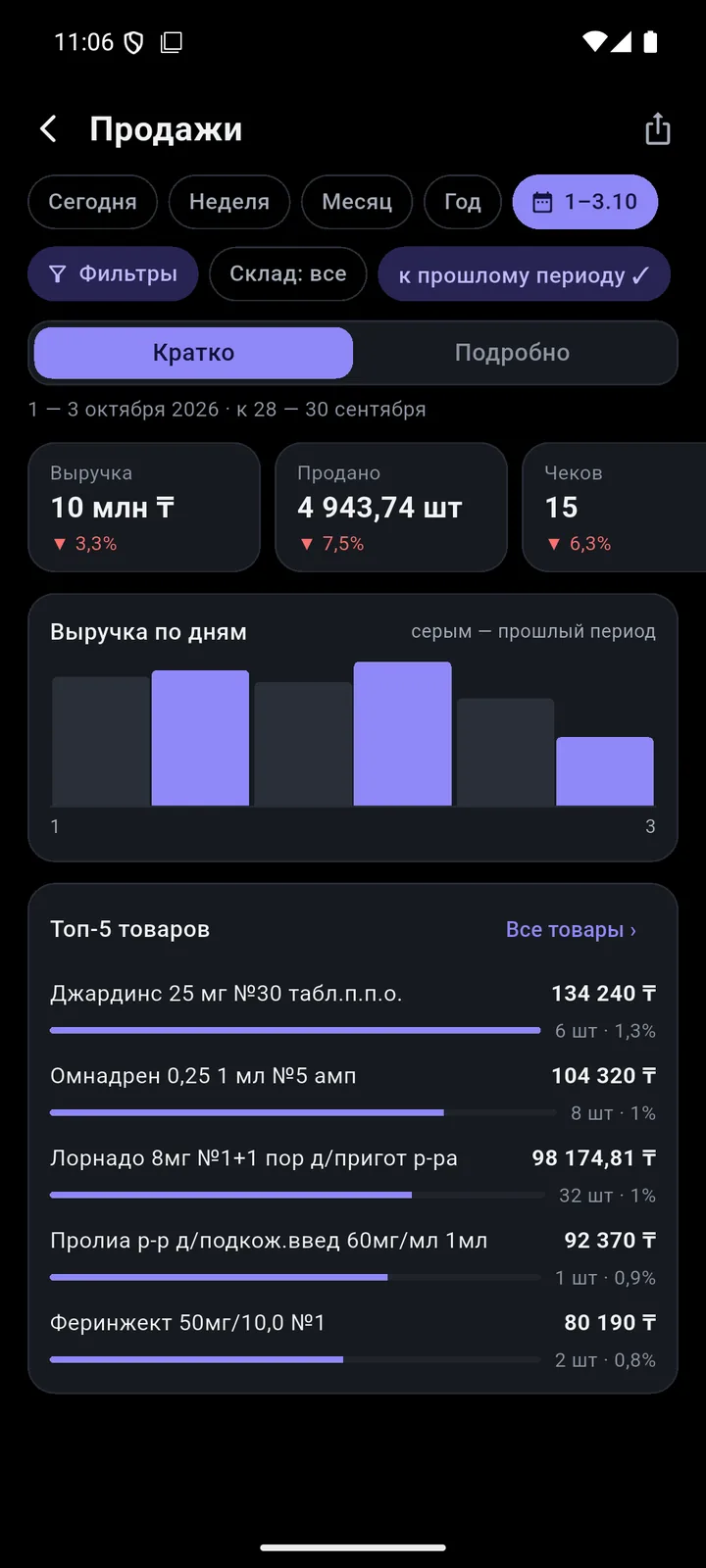
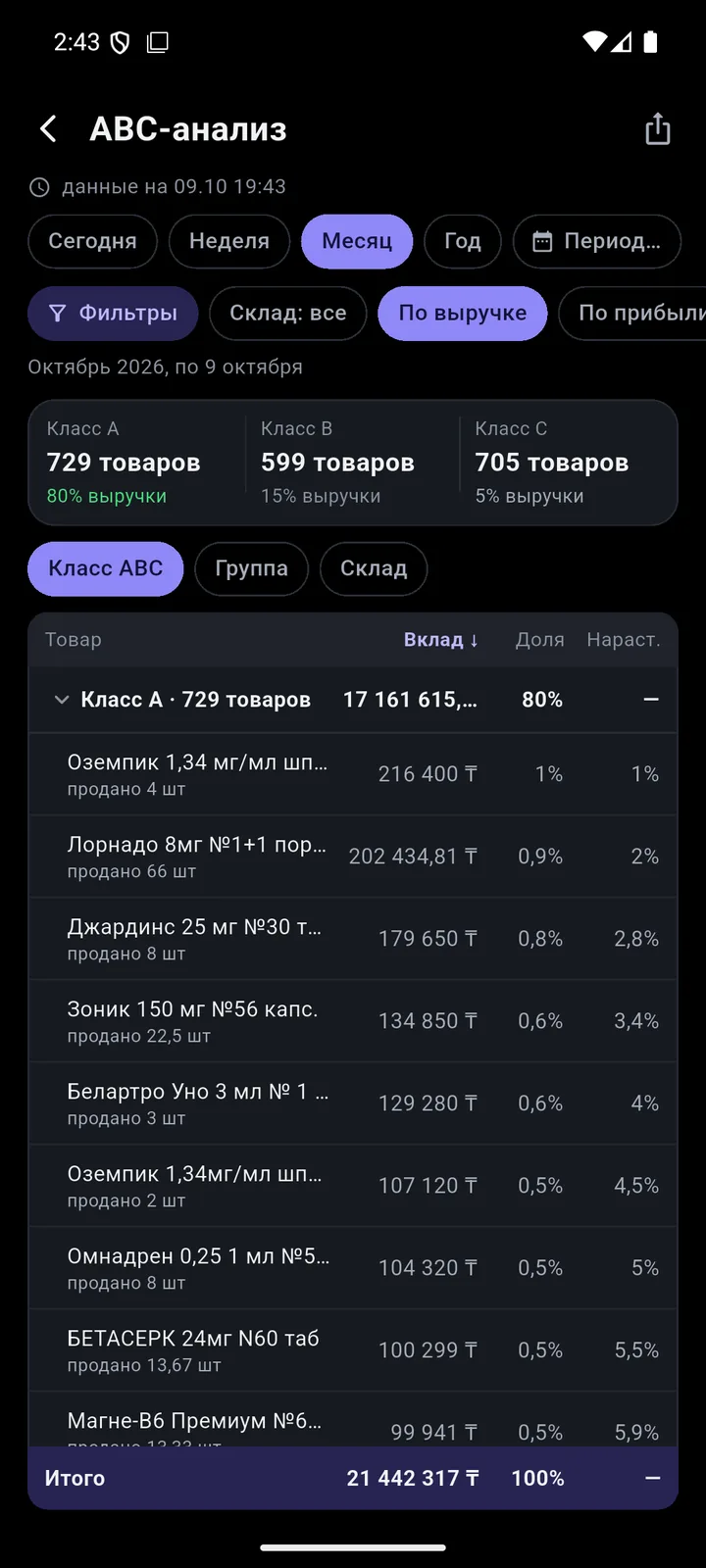
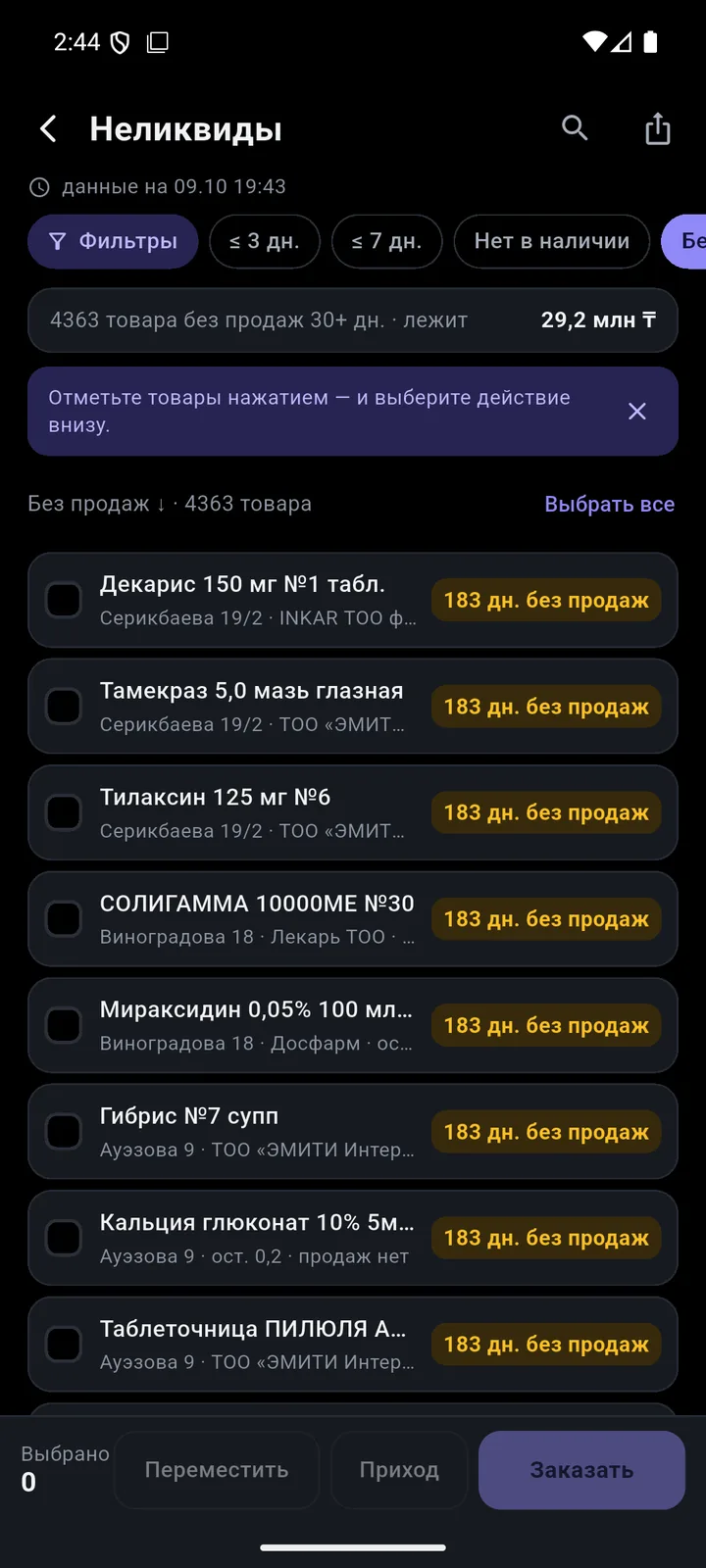
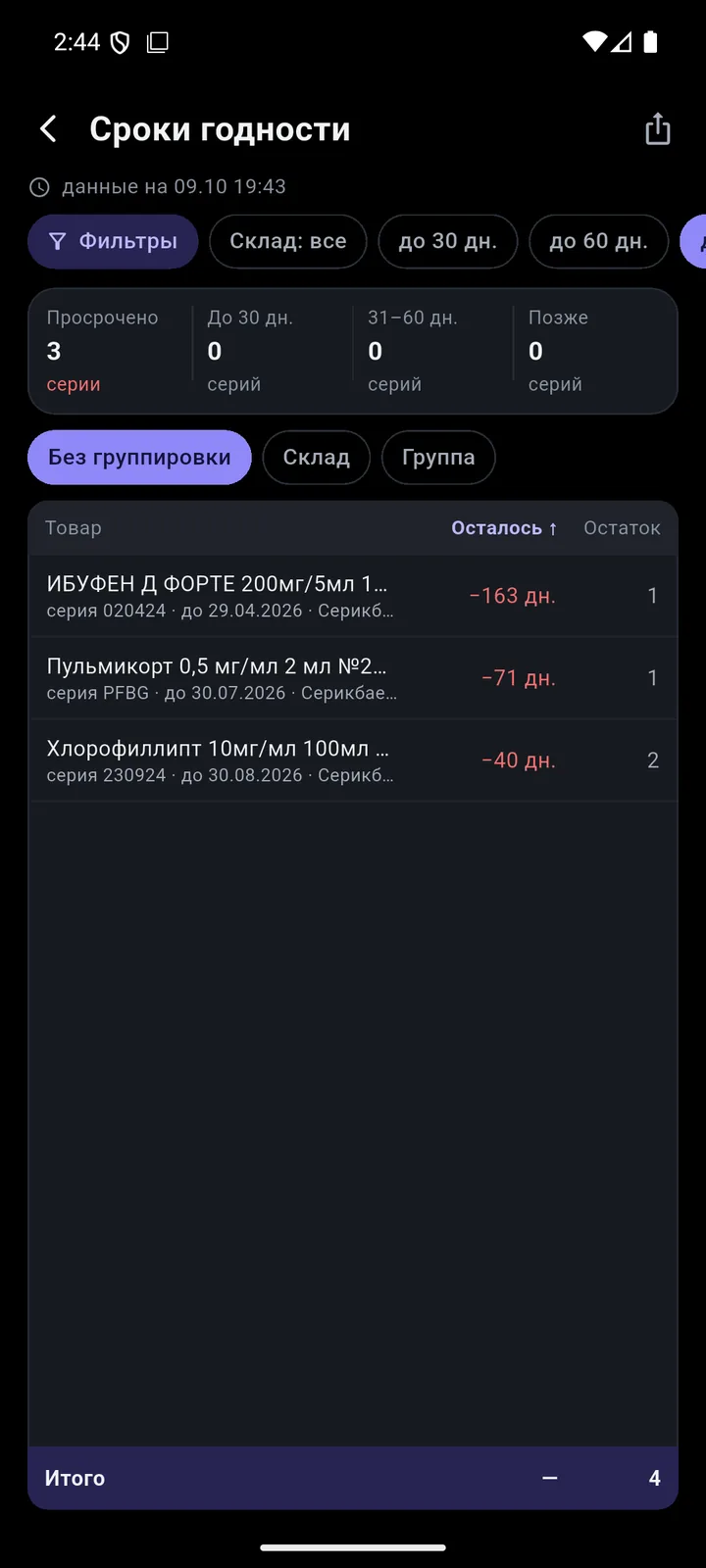
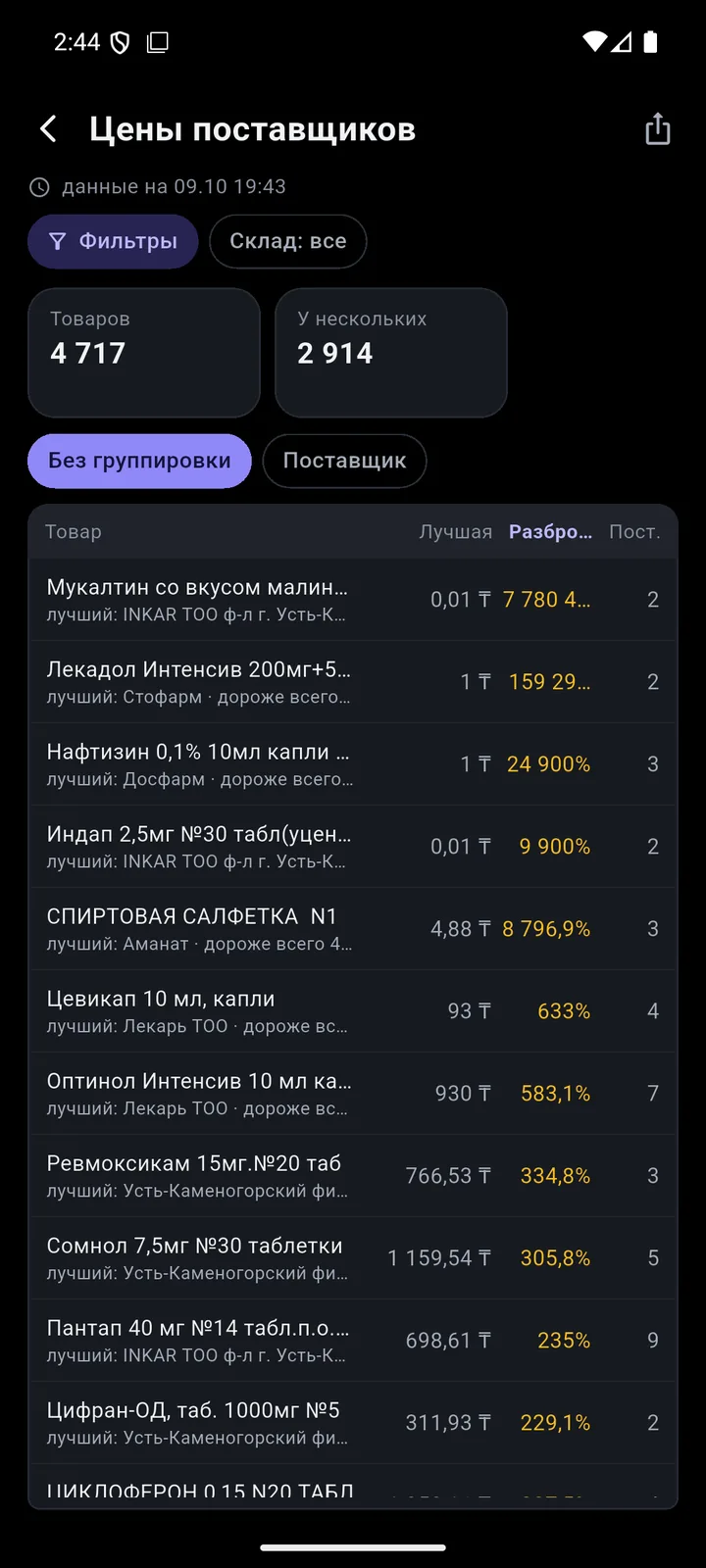
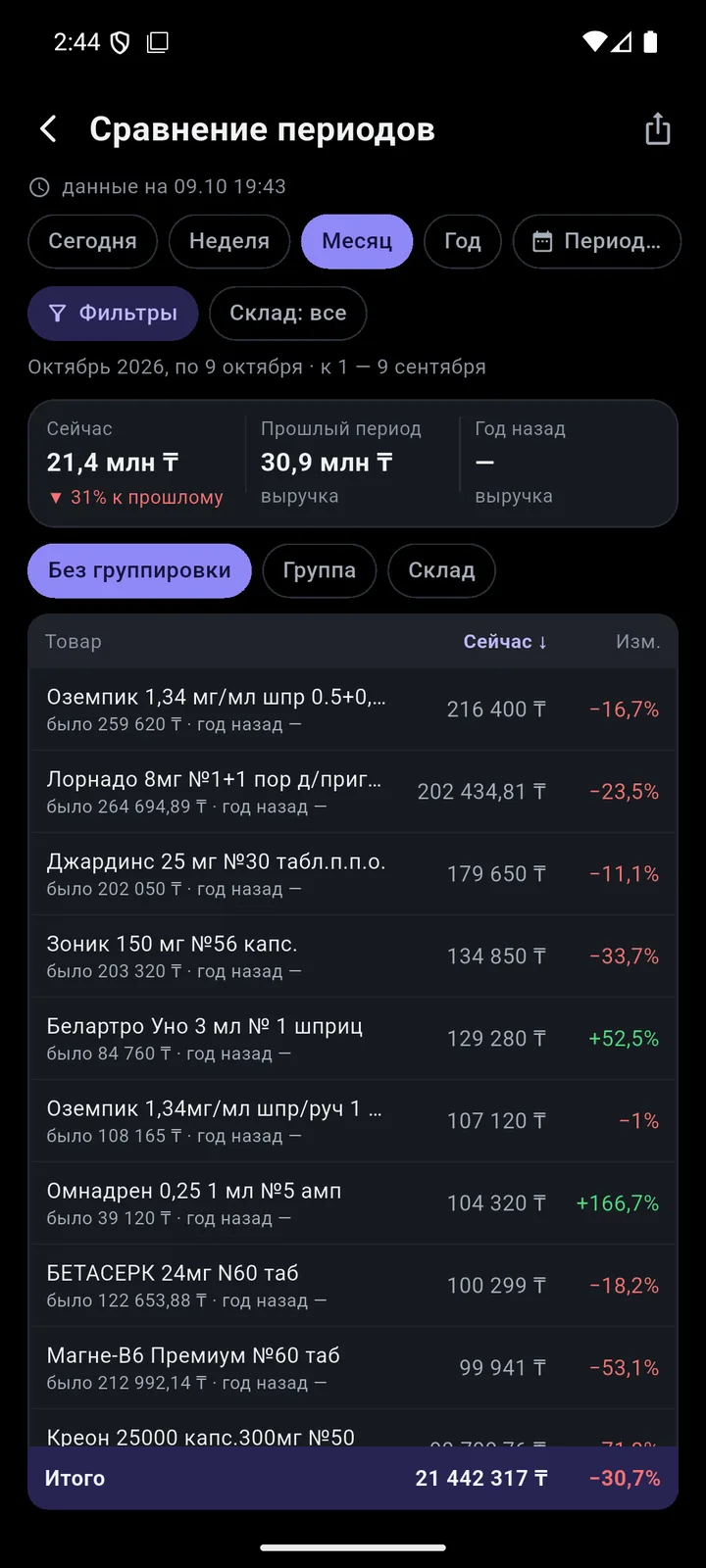
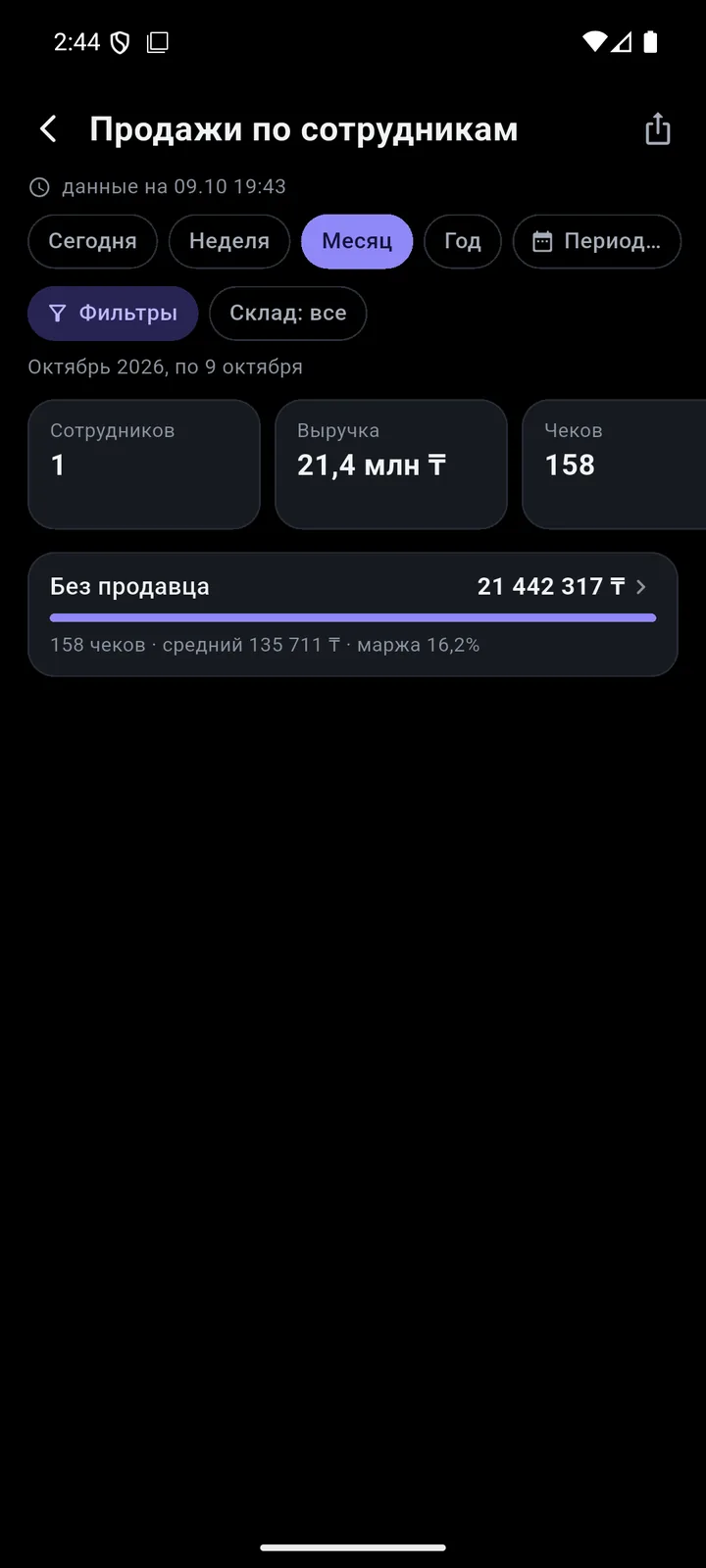
12 reports built on your 1C data. Offline, they cover the last 6 months.
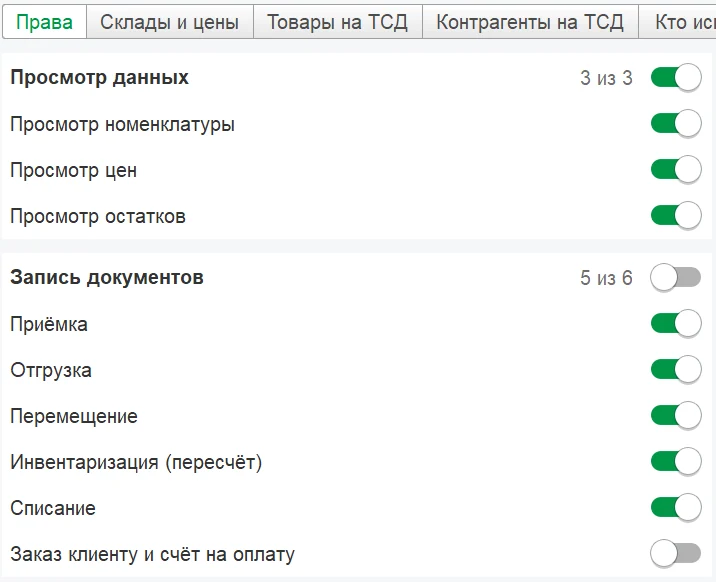
Staff permissions are set with checkboxes in your 1C. 1C passwords never reach the phone.
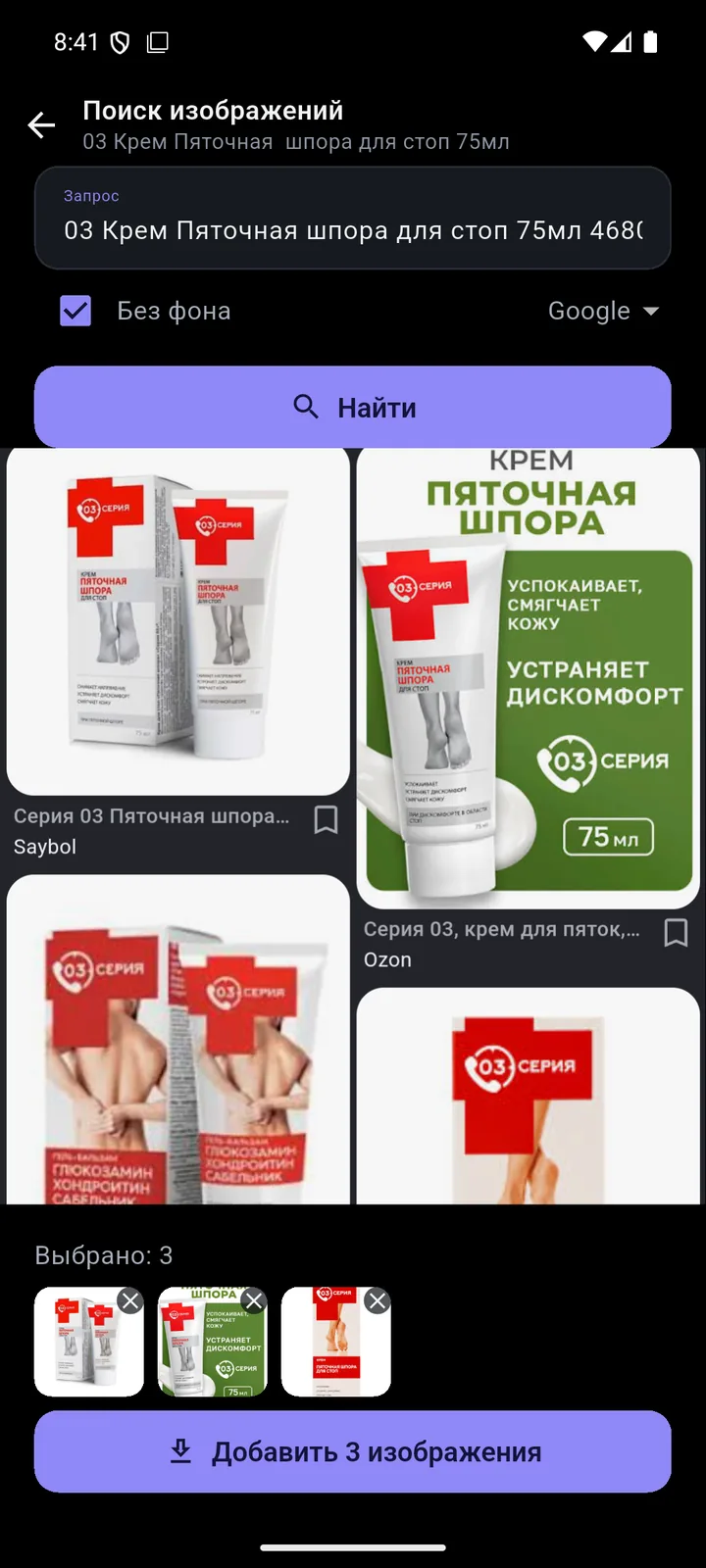
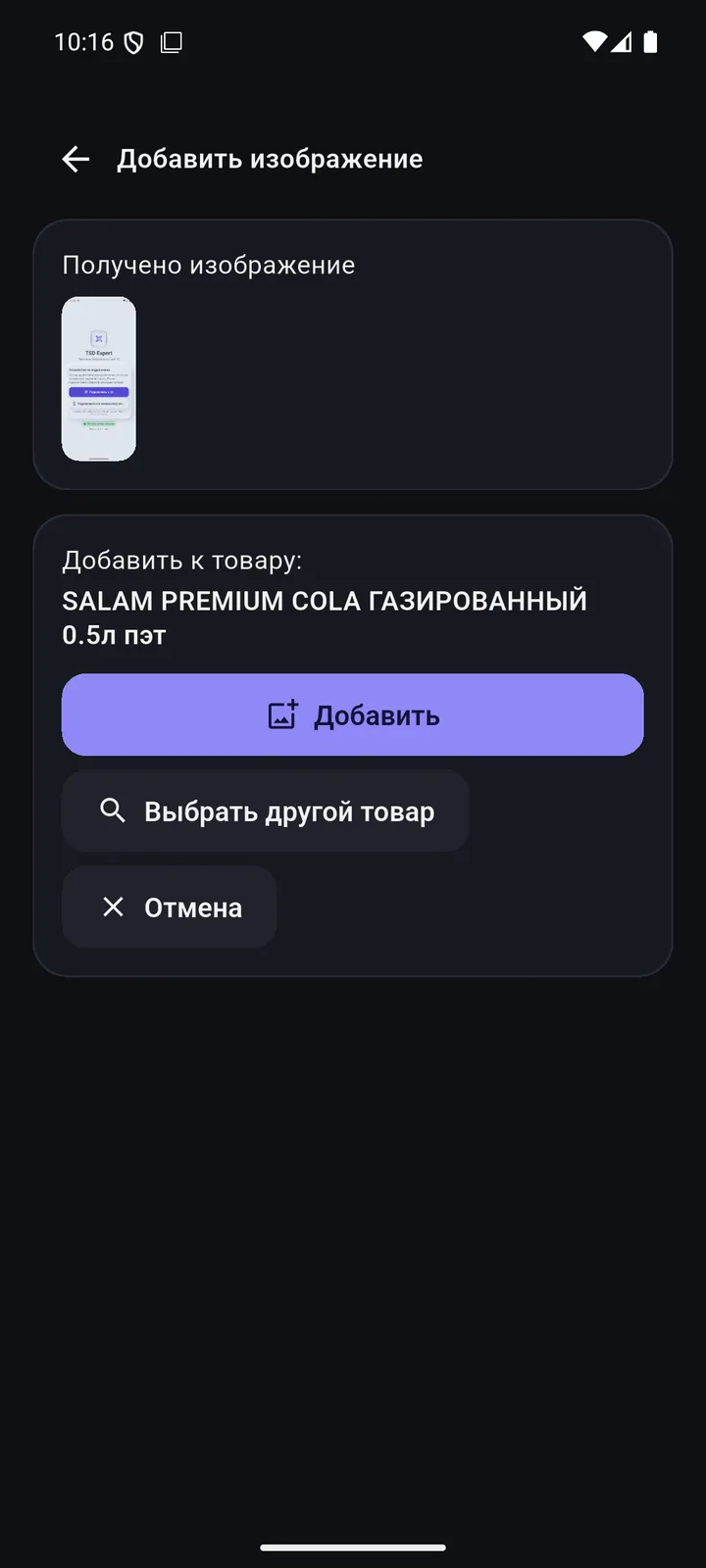
The National Catalogue of Goods code (NTIN) is required on receipts, e-invoices (ESF) and waybills (SNT). Deadline for stores: 1 July 2026. TSD Expert fills in the product card right at the shelf.
13- and 14-digit codes, EAN with a leading zero.
Several cards? You see all of them, marked “active” or “deactivated”.
Name, brand, description, unit, catalogue code. There is also a “Catalogue only” mode.
If the brand from the catalogue isn’t in 1C yet, the app creates it.
10 steps to fill in National Catalogue codes in 1C:Retail and get NTINs right. A 2-page PDF (in Russian).
Pick what you’d like to see.
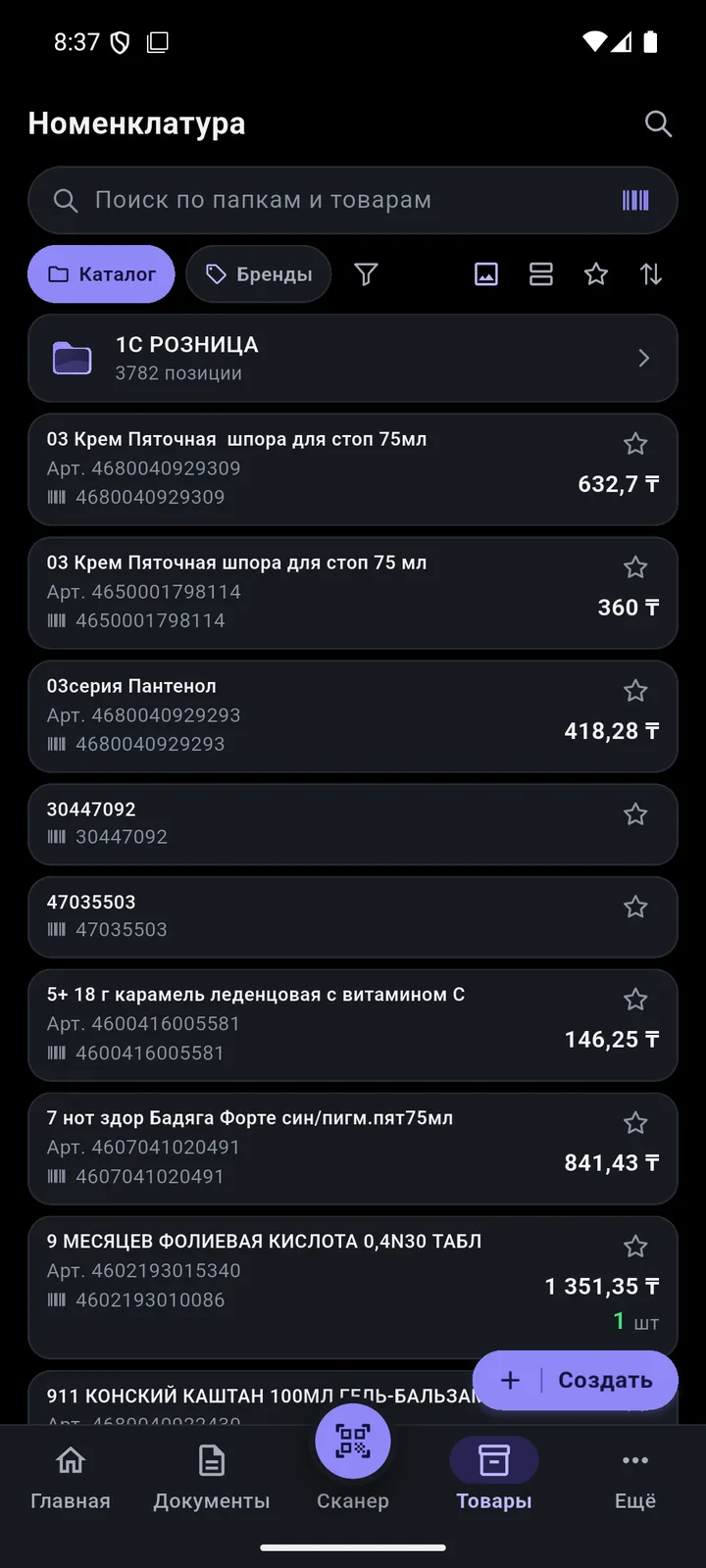
Groups, brands, filters and bulk editing of dozens of products at once.
Create a group, brand or country right at the shelf. Offline? They reach 1C on their own.
Select products and change type, unit, brand, manufacturer, country, VAT or packages.
Move selected products to another group or to a new one created on the spot.
Availability, warehouse, brand, any attribute — including “not equal” and “does not contain”.
Select products and create a goods receipt, transfer or order.
“Share” it as an image, an A4 PDF or text with the fields you need.
Tiles in 2–3 columns or a list, sorting, no row limit.
Fill all selected products from the National Catalogue at once.
Periods up to a year, filters, “My filters”. Export to PDF, Excel and WhatsApp. Offline: the last 6 months.
Now: a neat template with or without images. Soon: 10 styles to choose from in settings, each in two versions.
The phone builds quotes and invoices in PDF. The footer says “Made in TSD Expert”.
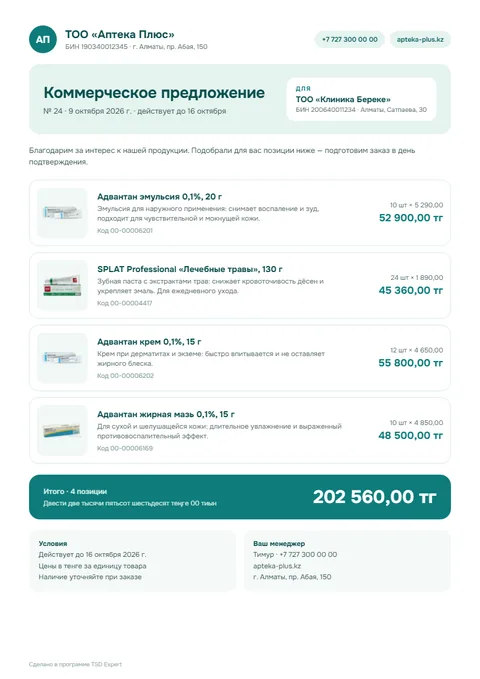
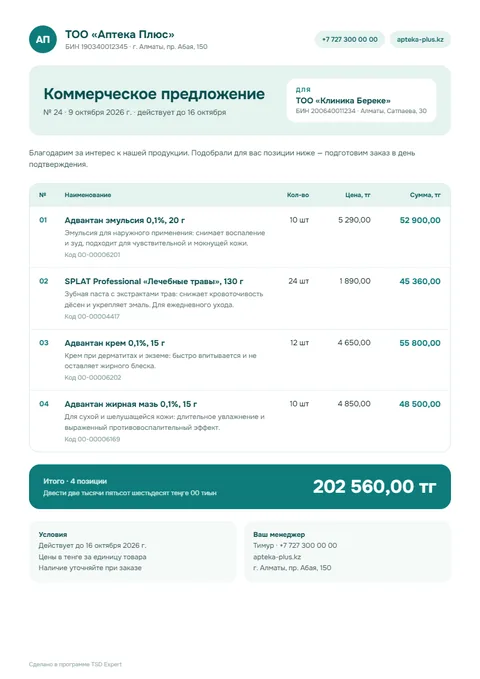
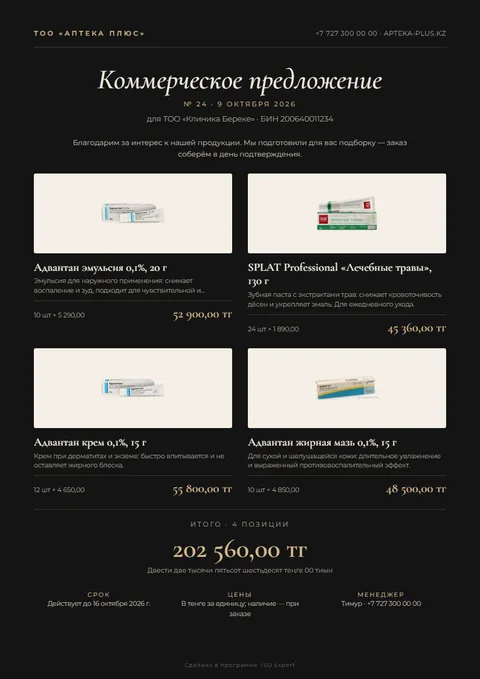
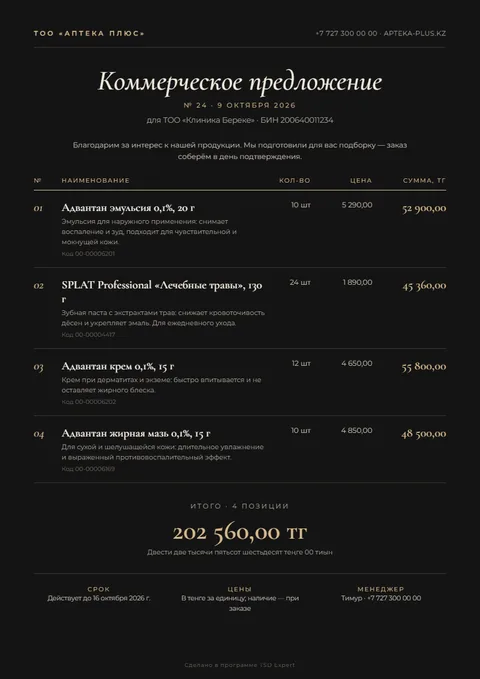
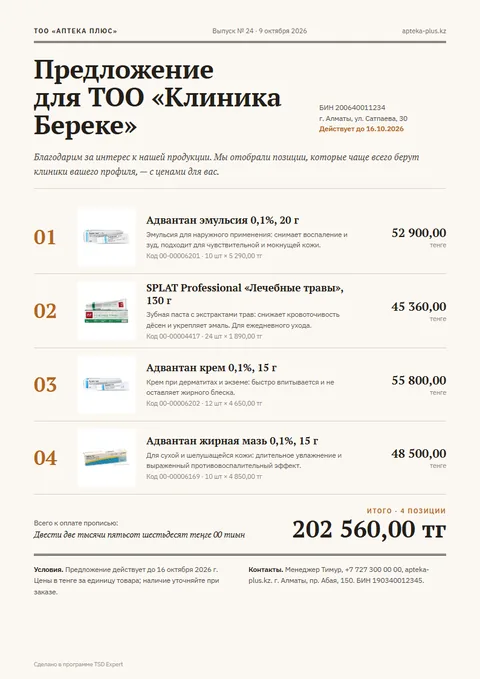
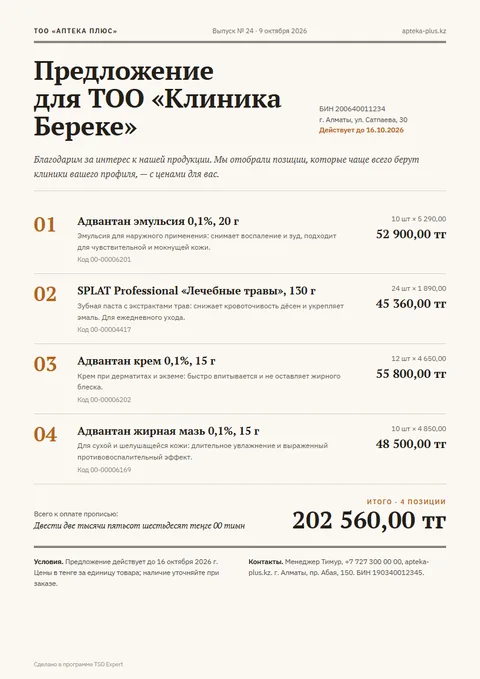
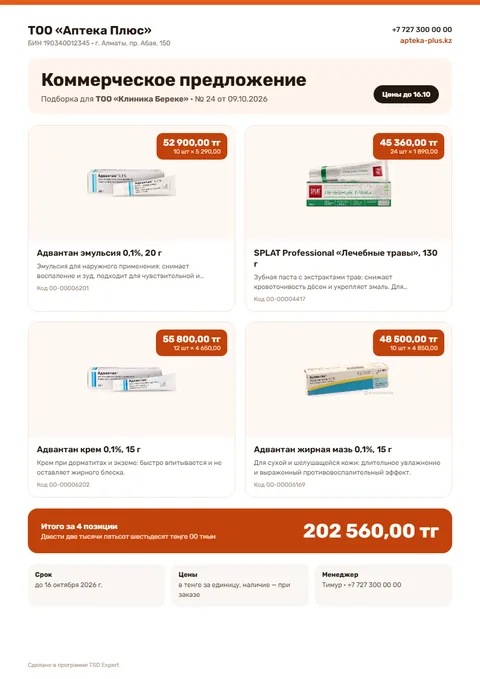
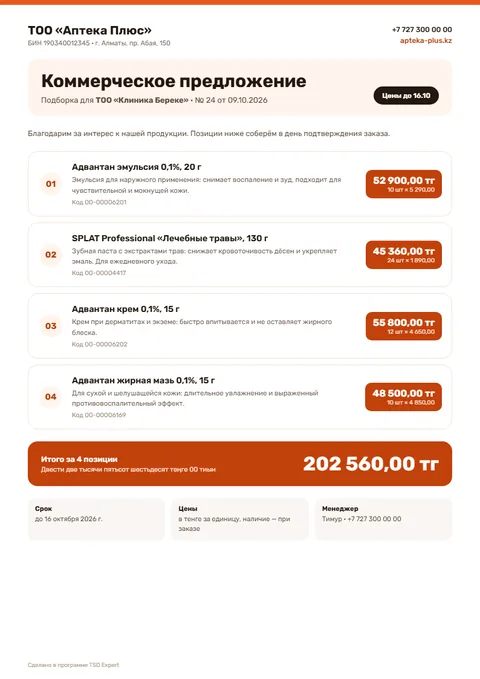
The features that matter most in your type of retail.
No 1C programmer needed. The installer sets up the extension and publishes the database on your local network.
A single Windows program.
Enter the 1C admin login and password — the installer does the rest.
License → access profile → staff with PINs.
The phone is connected — you’re ready to go.
Requires: Windows 64-bit, 1C 8.3 (64-bit, 8.3.27+) with a web server, administrator rights.
No names: we compare against what sellers say in their public descriptions. We also show where we fall short.
| Market comparison | TSD Expert | Terminal apps for 1C | Mobile sales apps for 1C | Cloud POS and accounting |
|---|---|---|---|---|
| Smartphone as the main device | Android 8+ | built for terminals[8][4] | main device | yes |
| Offline work | queue, 6-month reports | online — higher tiers[7][4] | yes | POS — yes |
| Setup without a specialist | 1.5–3 min, 0 ₸ | from 97 905 ₸[3][19] | partner[17] | cloud[22] |
| National Catalogue: code search from the scanner | in all plans | not stated[4][9] | no data | many[22] |
| Management reports on the phone | 12, offline | not stated[4][8] | no data | on its own system |
| Price in tenge | LLP in Almaty | price list in rubles[11] | mostly in rubles[12][18] | some local[22] |
| Updates included | yes | ≈20% a year for perpetual[2] | cloud extra[12] | yes[22] |
“Not stated” — not in the seller’s public descriptions as of 10.10.2026. “No data” — we found no information. “Some” — not every product in this class has it.
Based on public price lists of terminal and mobile sales software developers and 1C partners in Kazakhstan as of 10.10.2026. Rubles converted at the National Bank of Kazakhstan rate of 5.35 ₸. Details are on the “Calculation and sources” page.Calculation and sources →Full comparison and calculation →
Three plans: pay per device, unlimited staff. 14 days free.
A store with 2 devices, year 1: 89 000 ₸ · with other terminal apps 169 080–370 755 ₸* * software and setup, excluding hardware; public price lists as of 10.10.2026, rubles at the National Bank of Kazakhstan rate of 5.35 ₸[1][2][3][7][10][19]
Exact versions, no asterisks. Plans with honest labels.



1C, Android, Apple, Kaspi, Wildberries, Ozon, Tañba are trademarks of their owners.
Leave your number — we’ll call you back, answer your questions and help with installation.
For statistics the site uses cookies, Yandex Metrica and Google Analytics — only with your consent. Details
By sending, you agree to the processing of your data so we can reply. Privacy policy